This tutorial will show you how to jailbreak your 3G iPhone by creating a custom ipsw that can automatically jailbreak, install applications, and add your own boot logos.
To learn how to use PwnageTool to unlock/jailbreak a 2G iPhone you can use the tutorial which is here
 Watch the Video!
For your convenience this tutorial is available in video format also. Click the Watch It button to view the tutorial!
Step One
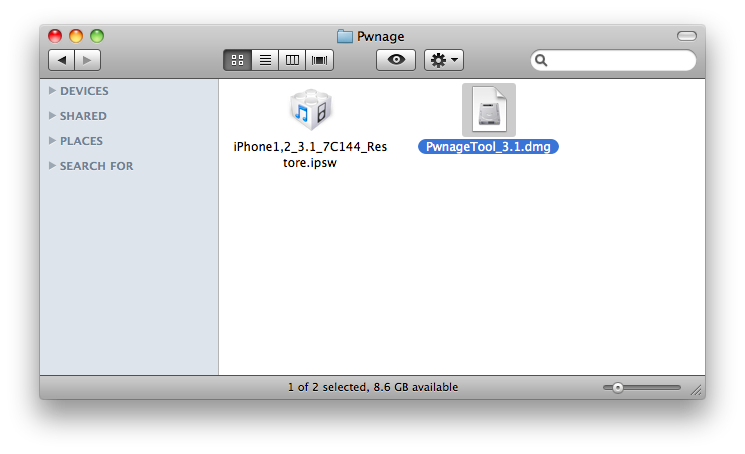
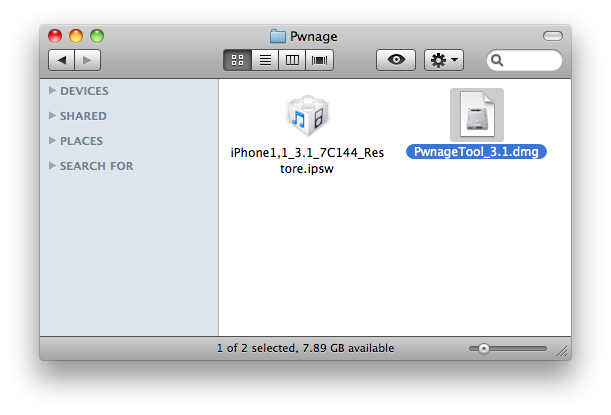
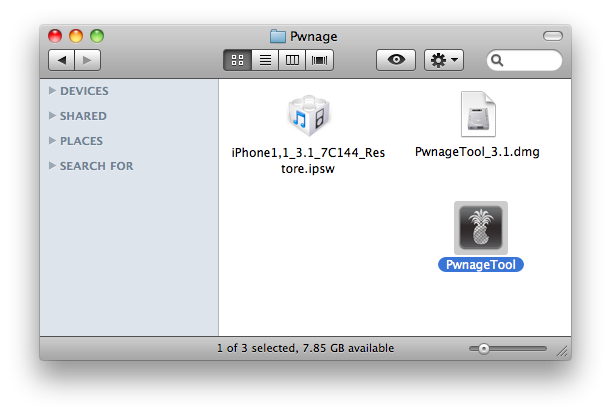
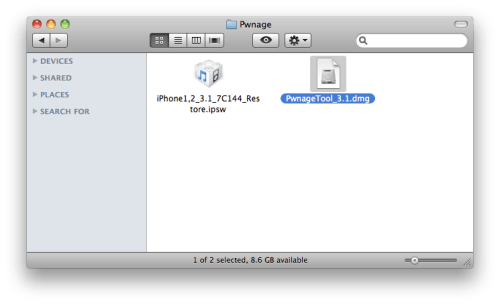
Make a folder called "Pwnage" on the desktop. In it, you will need a couple of things. PwnageTool 3.1, found here or here
You will also need the 3.1 iPhone firmware.
3.1.0 (3G): iPhone1,2_3.1_7C144_Restore.ipsw
When downloading the IPSW file, it is best to download it with Firefox since Safari often auto extracts it!
Step Two
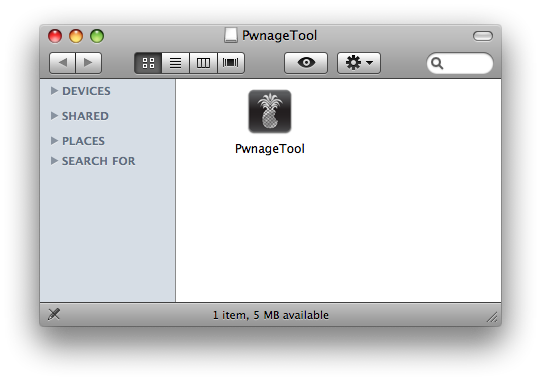
Double click to mount PwnageTool 3.1 then drag the PwnageTool icon into the Pwnage folder.
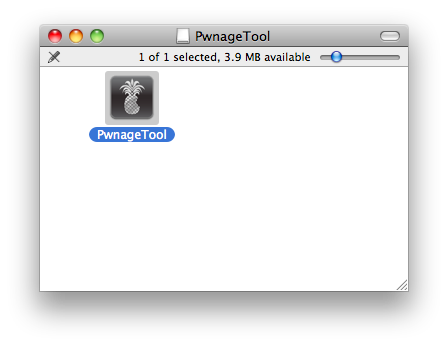
Then from the Pwnage folder double click to launch the PwnageTool application.
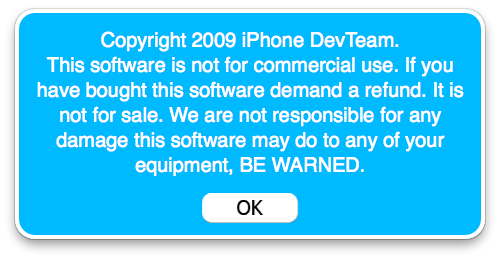
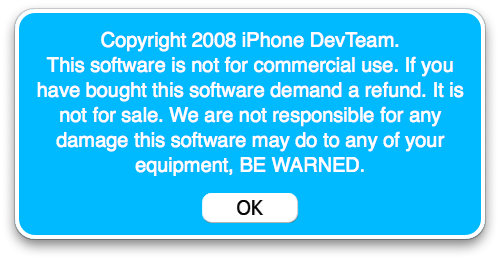
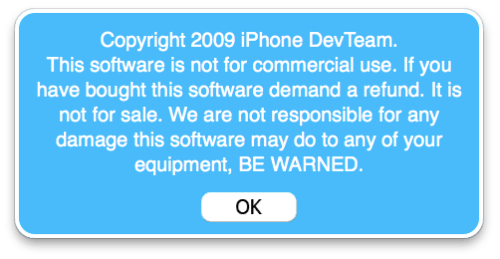
Click Ok if presented with a warning.
Step Three
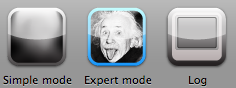
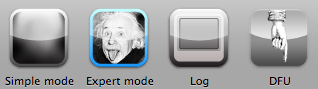
Click to select Expert Mode from the top menu bar
Step Four
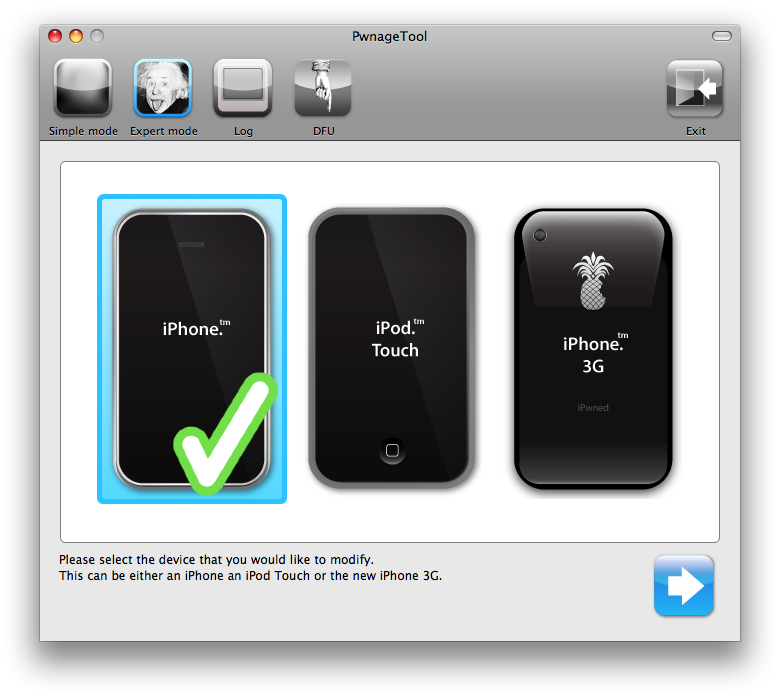
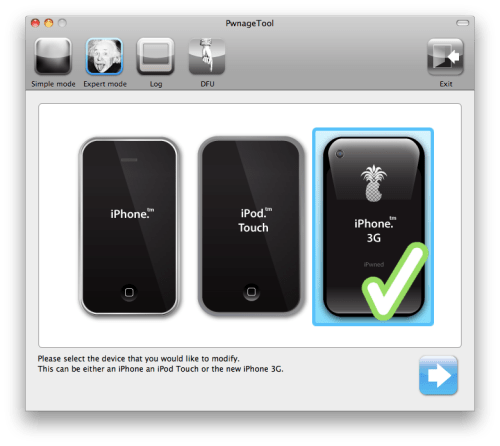
Click to select your iPhone. A check-mark will appear over the image of the phone.
Step Five
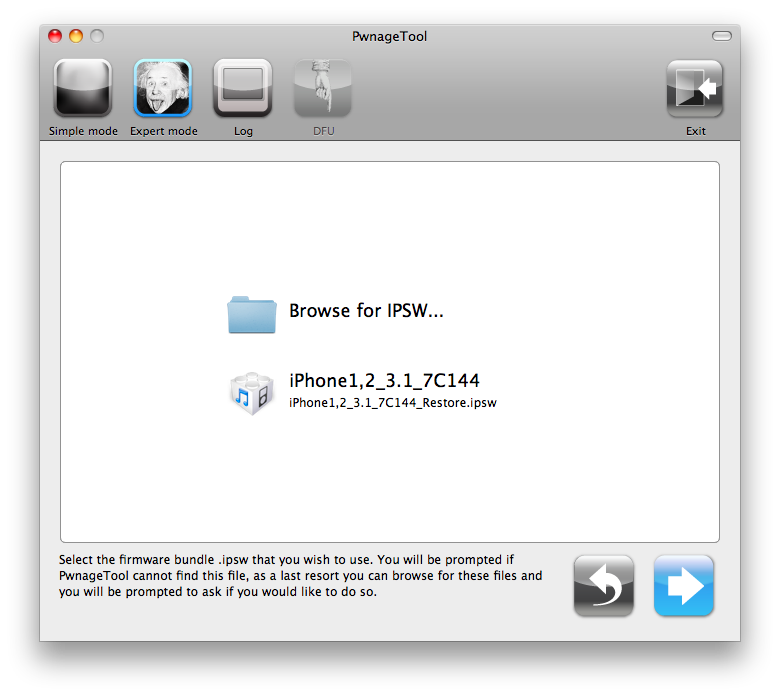
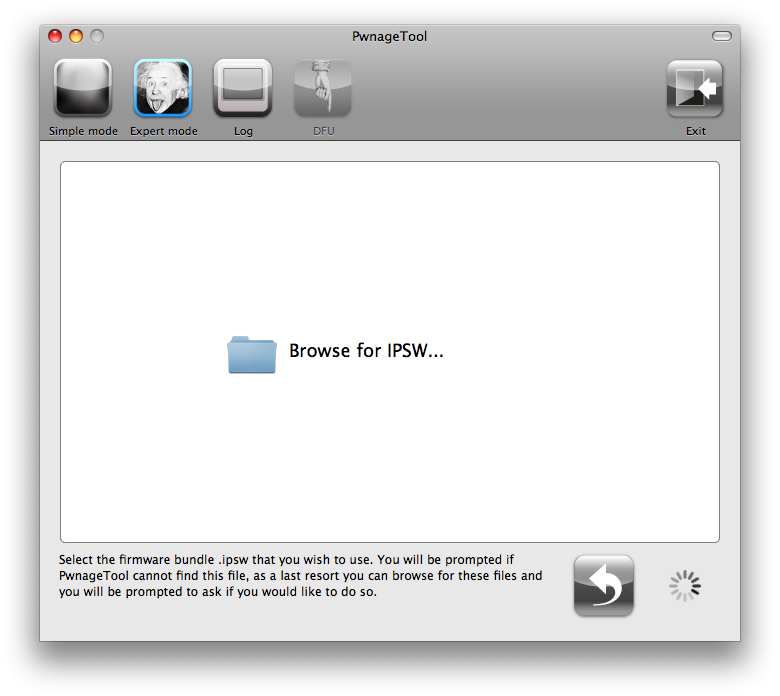
Click the blue arrow button to continue. You will be brought to the "Browse for IPSW" page. On my laptop, it automatically found the IPSW. If PwnageTool doesn't automatically find the ipsw file you can click Browse for IPSW....
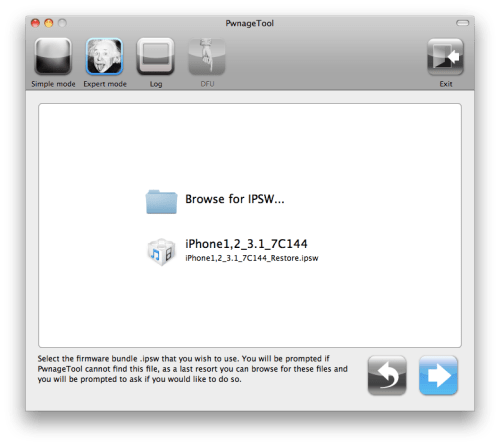
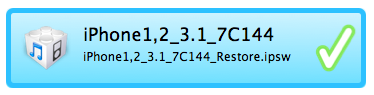
Click to select the found IPSW file, a checkmark will appear next to it. Then click the blue arrow button to continue.
Step Six
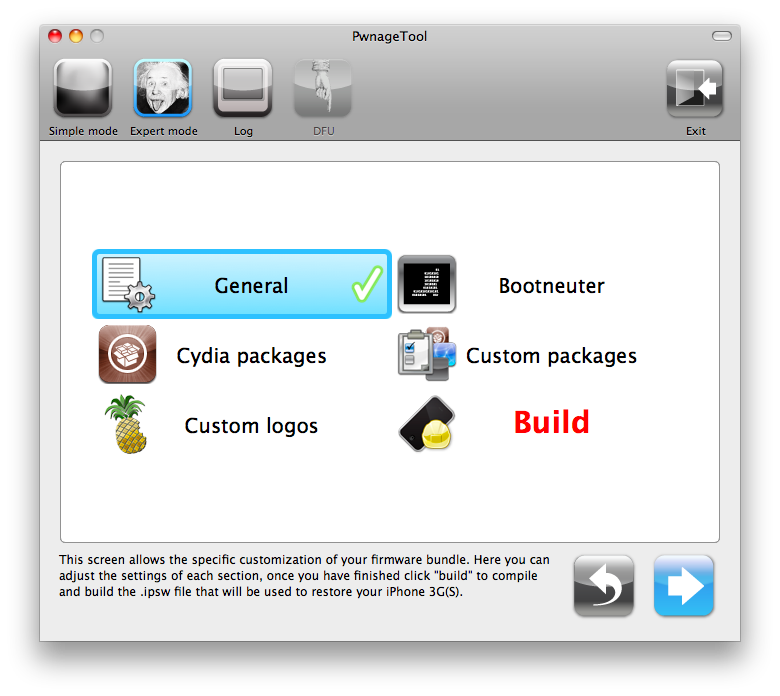
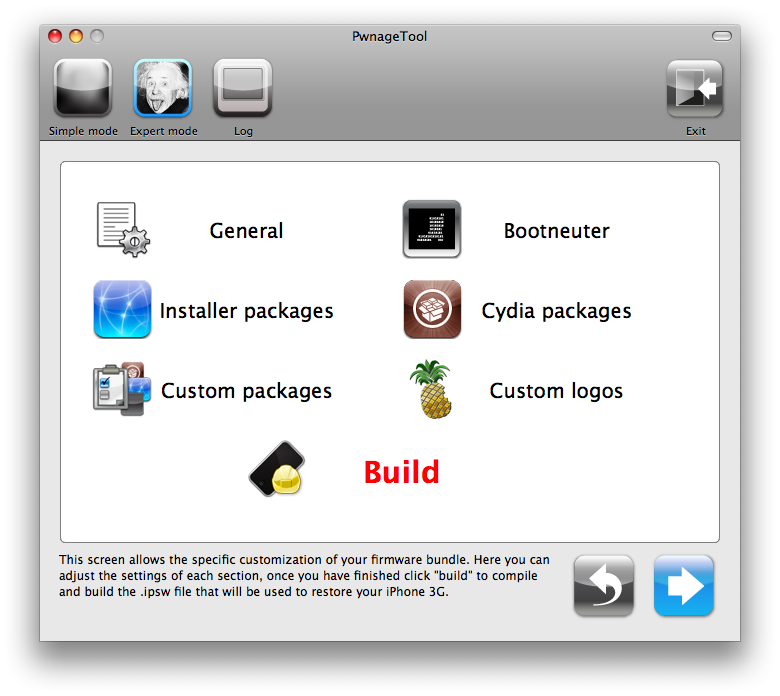
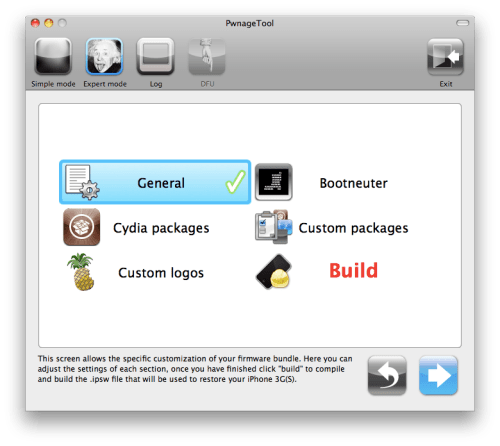
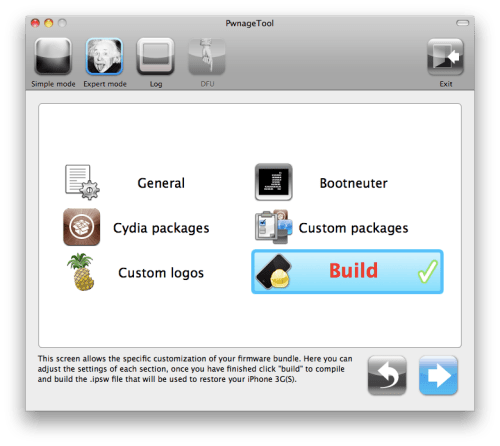
You will then be brought to a menu with 7 choices. Click to select General then click the blue arrow button.
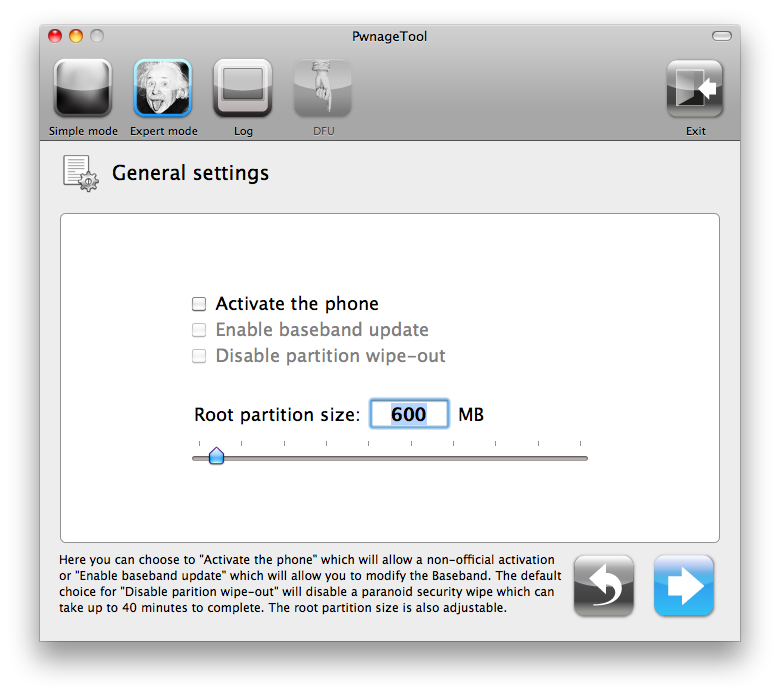
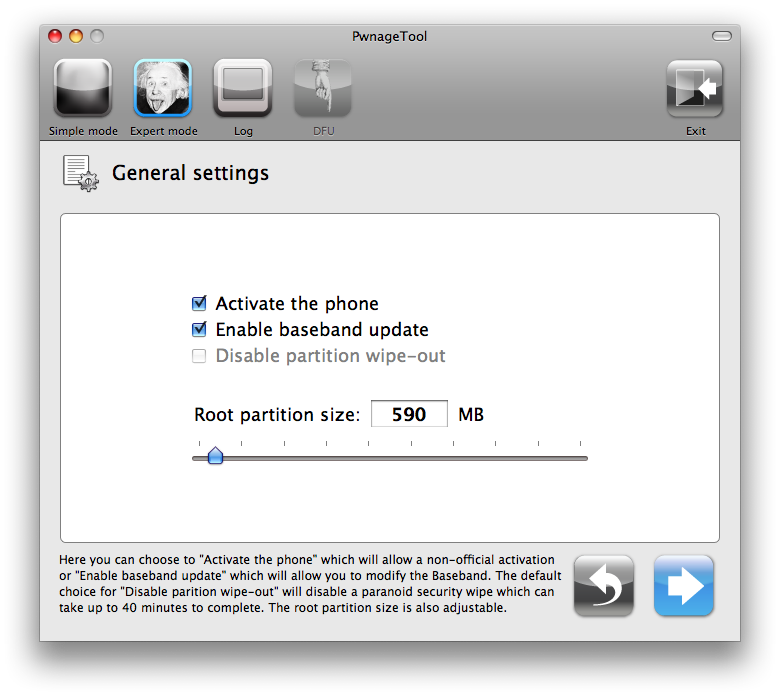
The General settings allows you to decide the partition size. Check Activate the phone if you are not with an official carrier then click the blue arrow button.
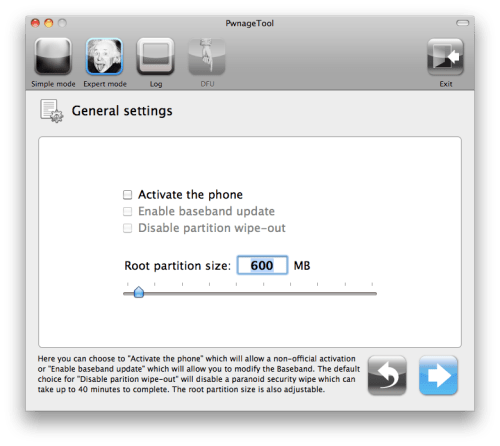
NOTE*: Deselect Activate if you have an iPhone legitimately activated on an official carrier.
NOTE*: You may need to increase the size of the root partition slightly. My first attempt failed at creating the IPSW until I increased the size to about 695 MB.
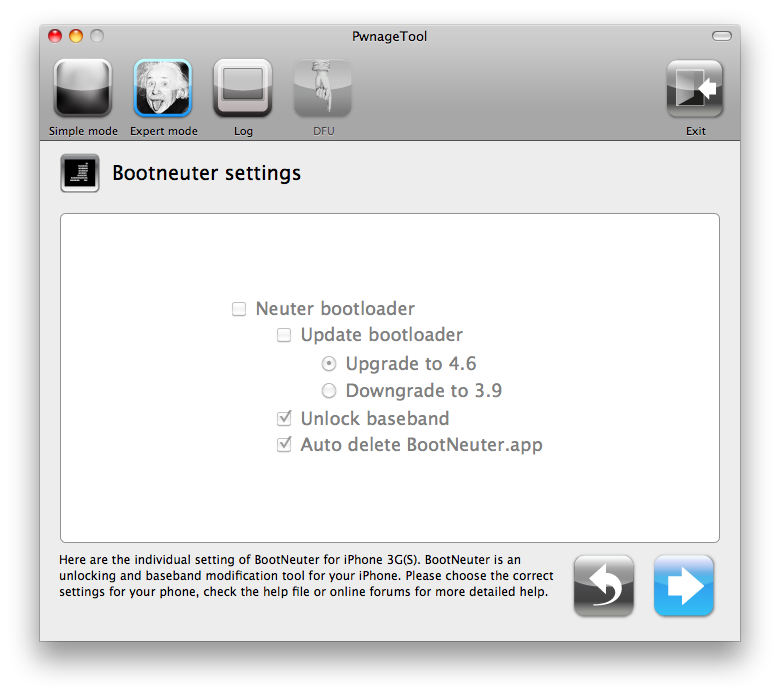
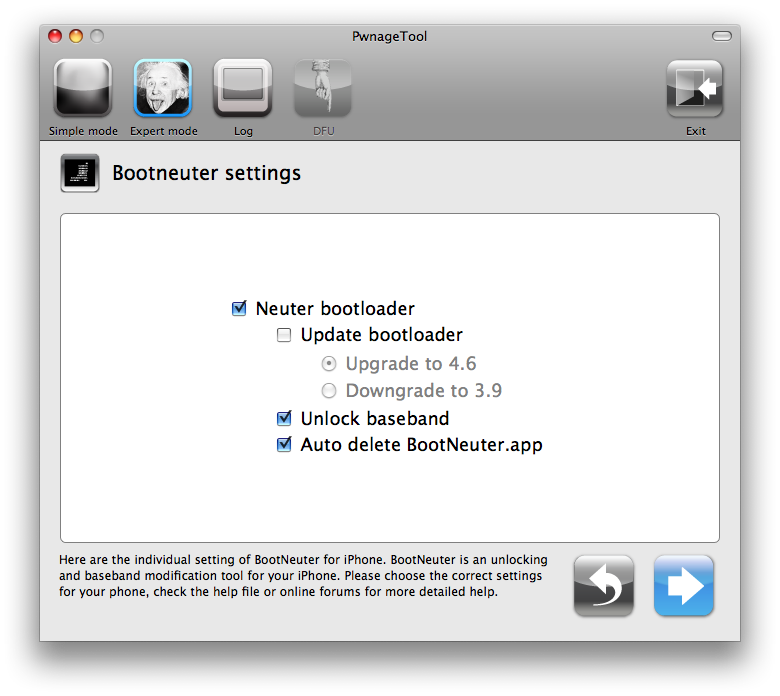
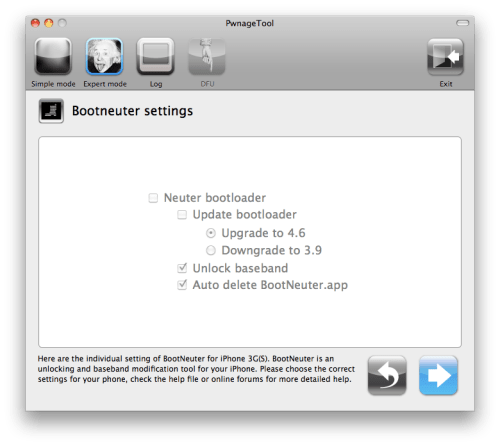
The Bootneuter settings are greyed out for the 3G iPhone. Click the blue arrow button.
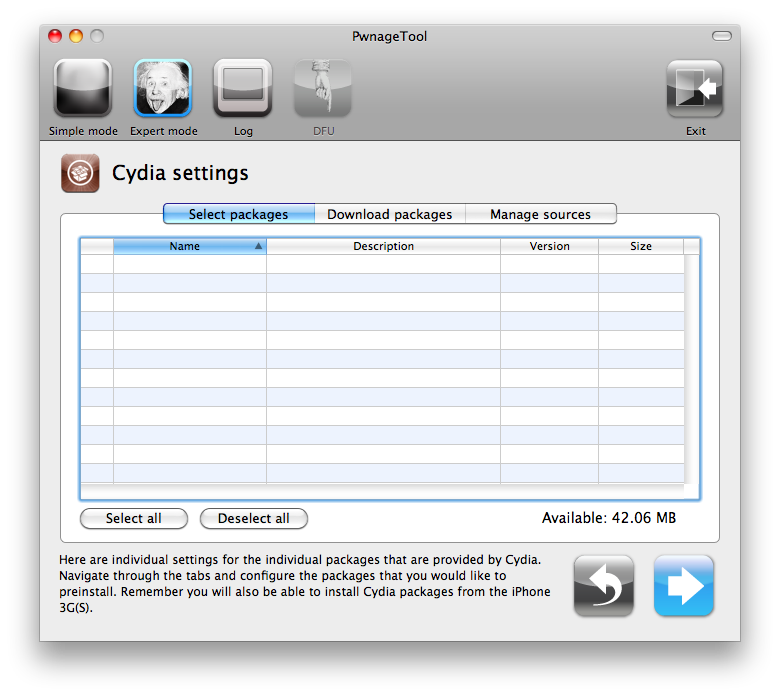
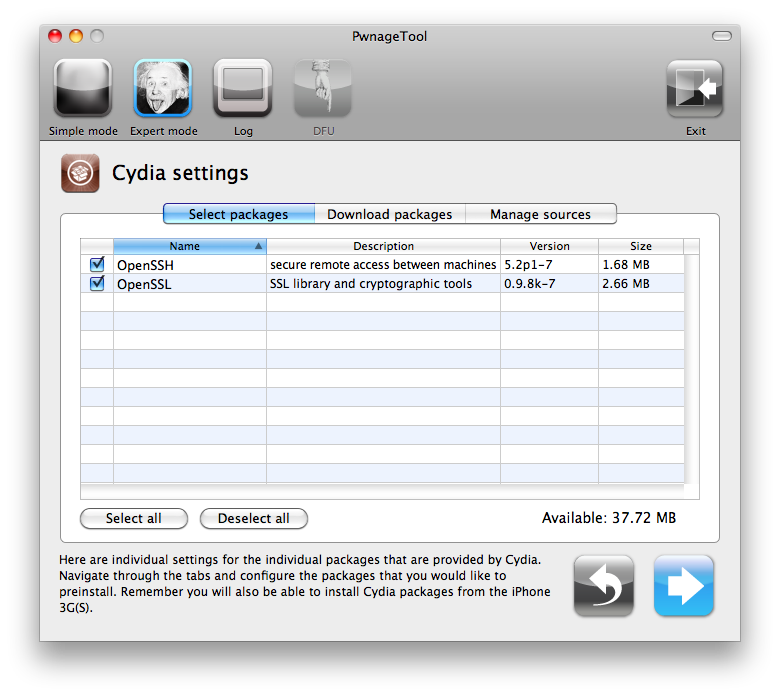
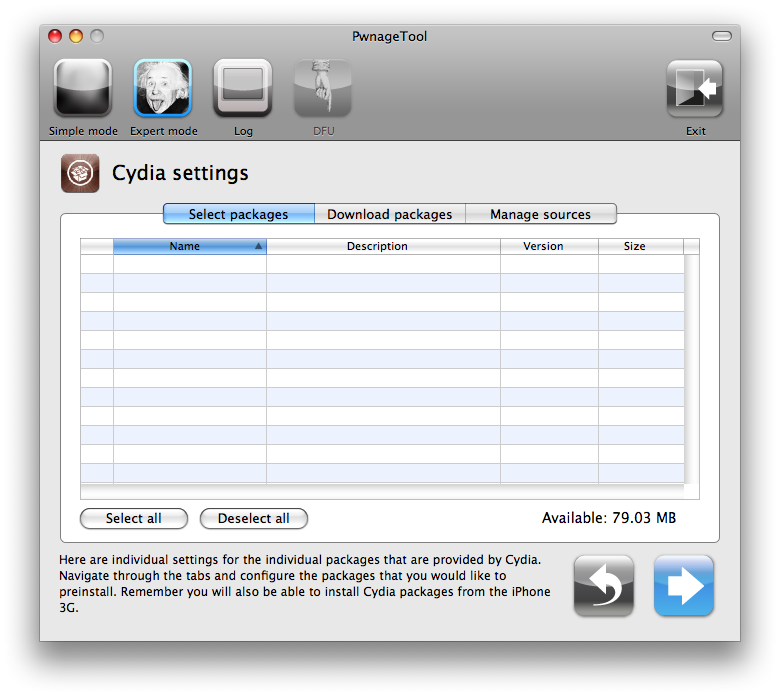
The Cydia settings menu allows you to create custom packages so you do not have to manually install the necessary them later.
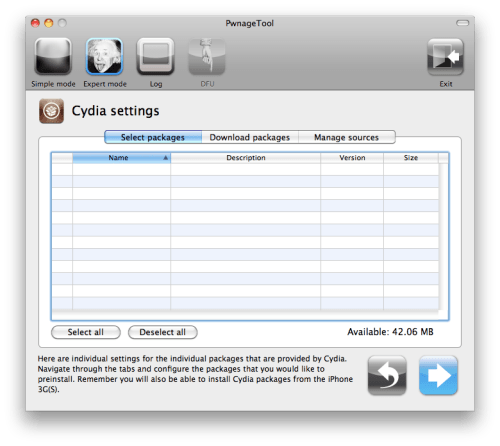
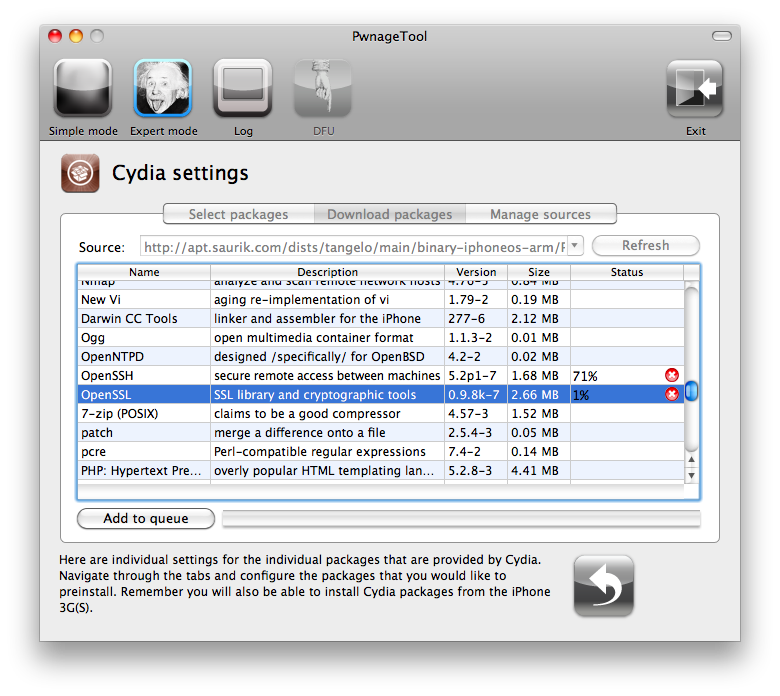
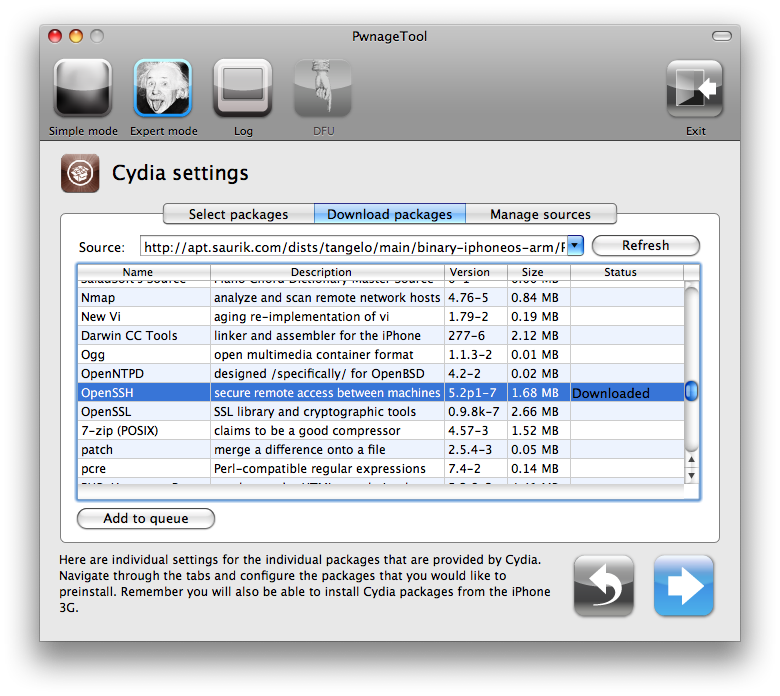
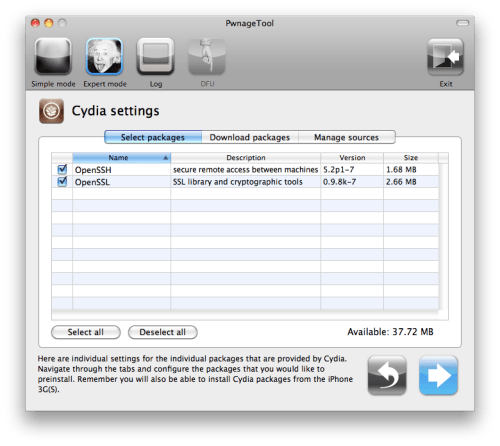
Click to select the Download packages tab. Then click the Refresh button to display all the available packages. Double clicking the package you want will download it and make it available in the Select Packages tab.

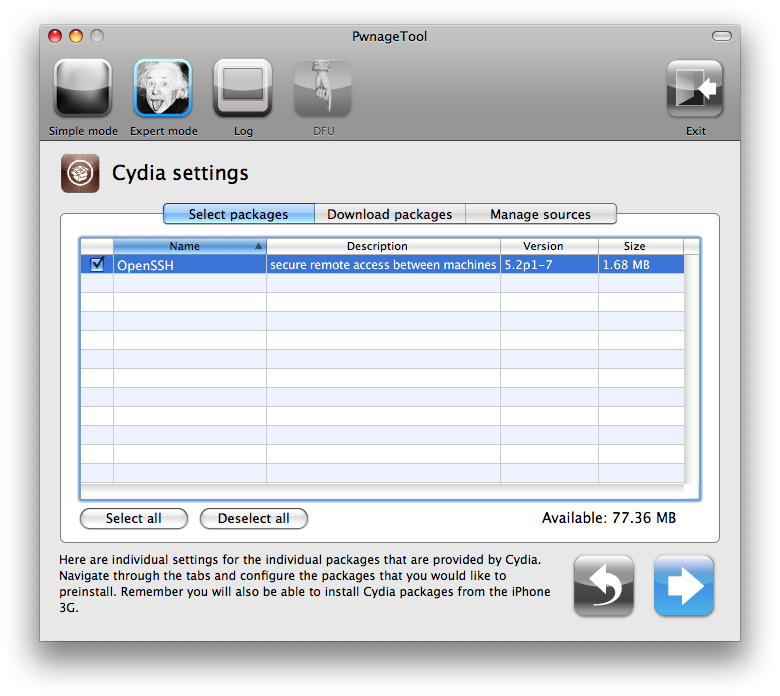
Checkmark the ones you want then Click the blue arrow button.
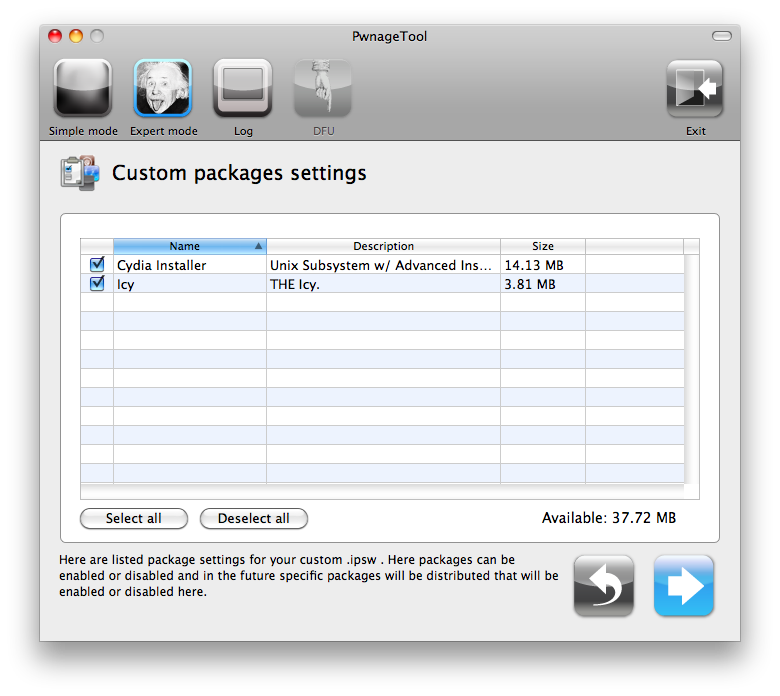
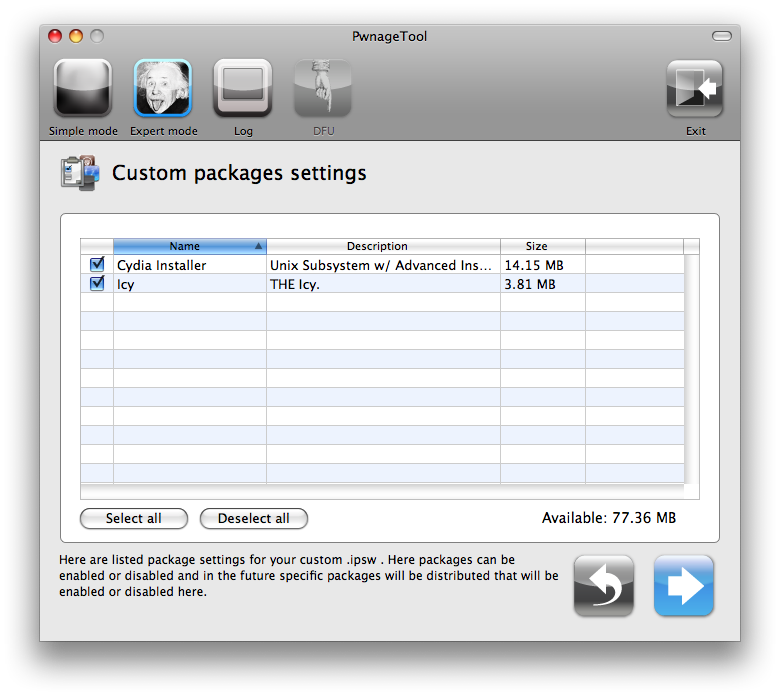
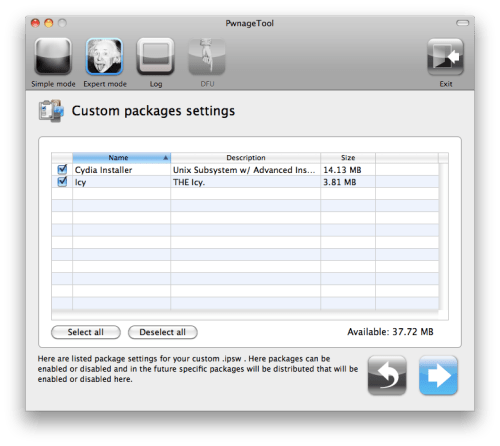
The Custom Packages Settings menu displays listed package settings for your custom IPSW. For know leave these settings as is. Click the blue arrow button to continue.
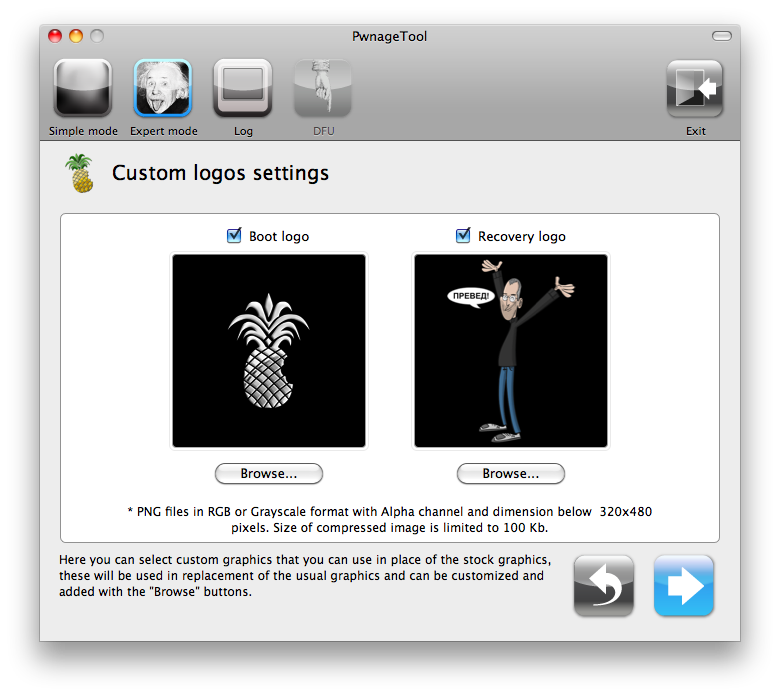
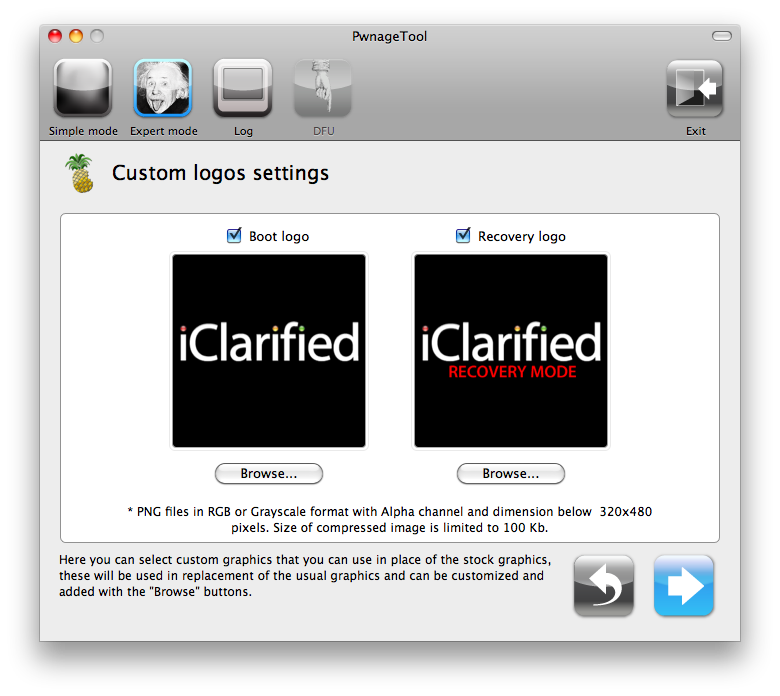
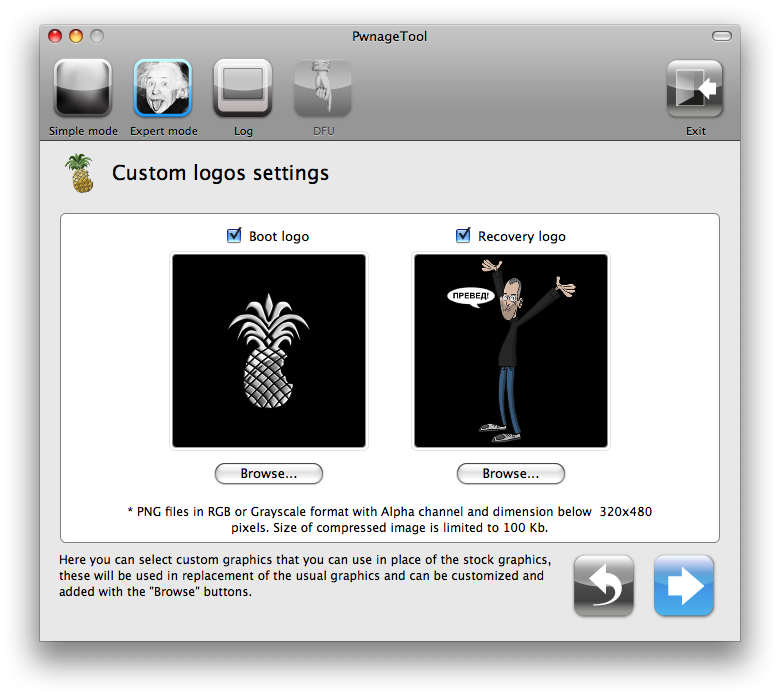
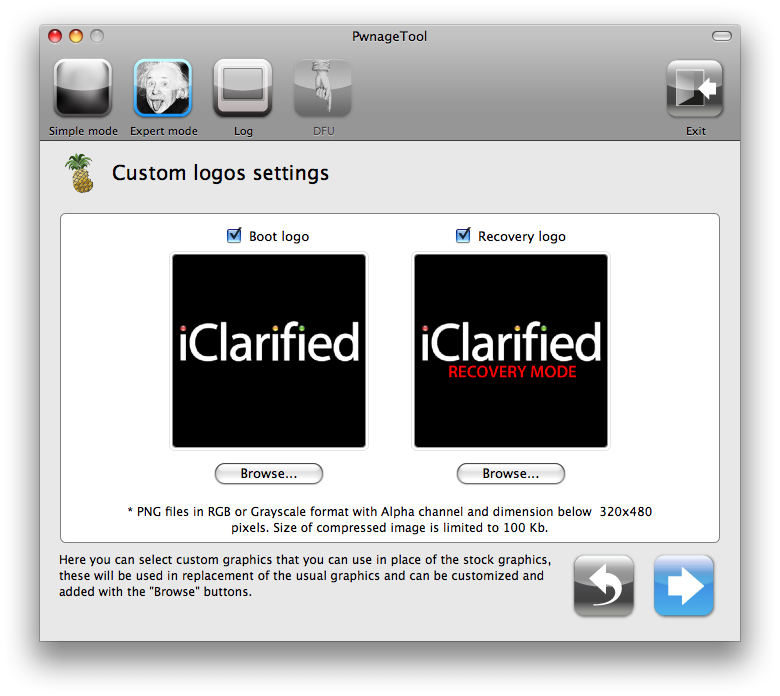
The Custom Logos Settings menu allows you to add your own images as boot logos. Click the Browse button to select your Boot logo and Recovery logo. If you would like to use the iClarified ones they can be found here:Boot Logo, Recovery Logo
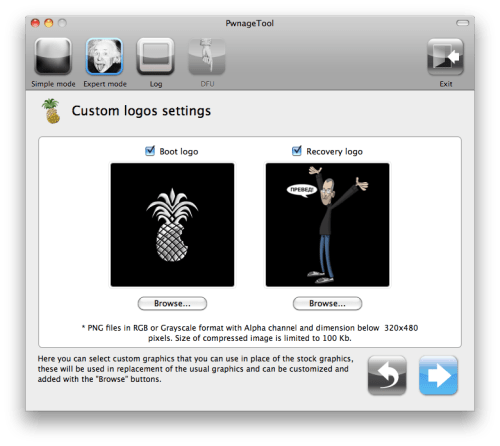
Remember the rules for them: RGB or Grayscale format with Alpha channel and dimension bellow 320x480...
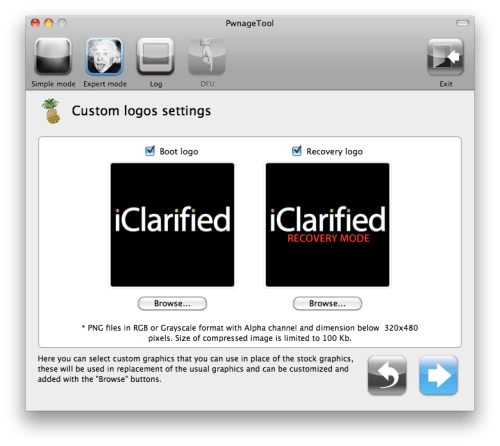
Click the blue arrow button to continue.
Step Seven
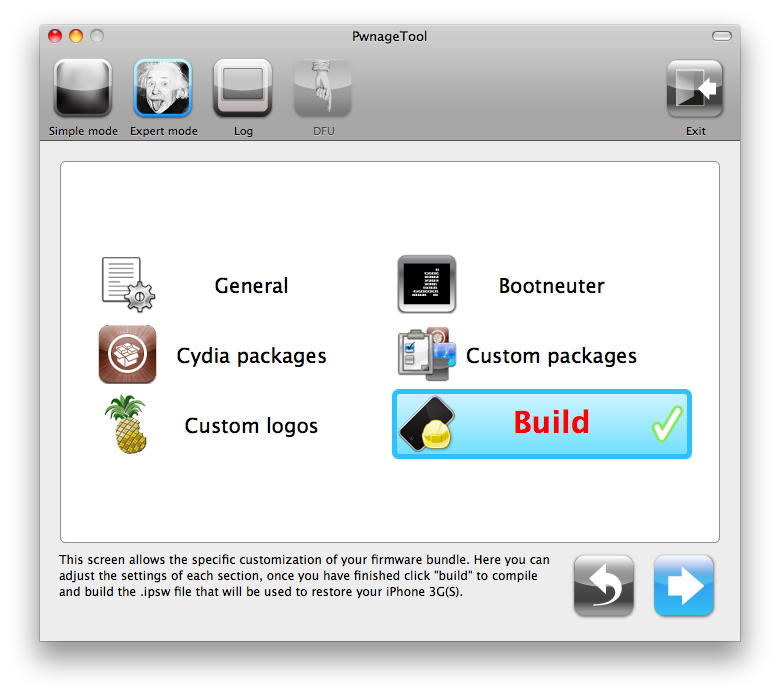
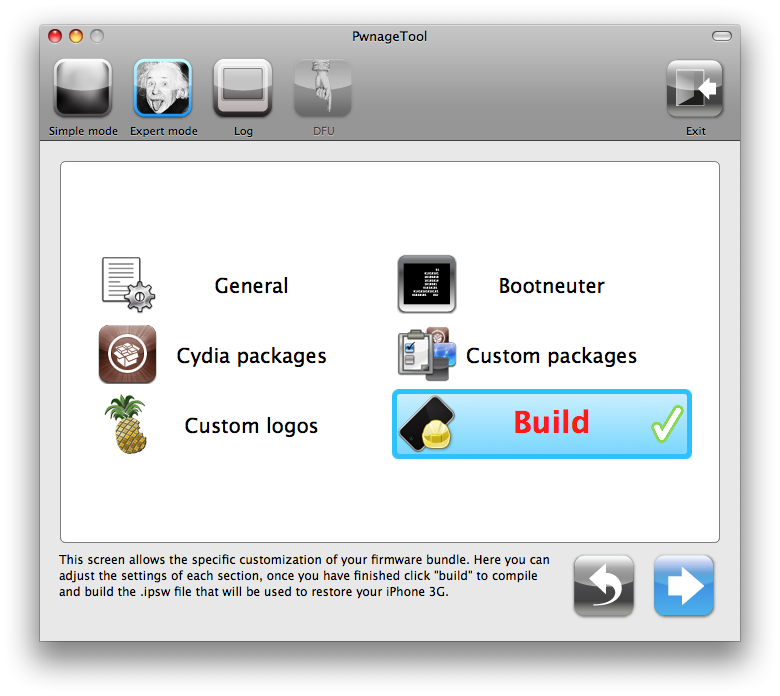
You are now ready to begin the pwnage process! Click the Build button to select it then click the Blue arrow button to begin.
Step Eight
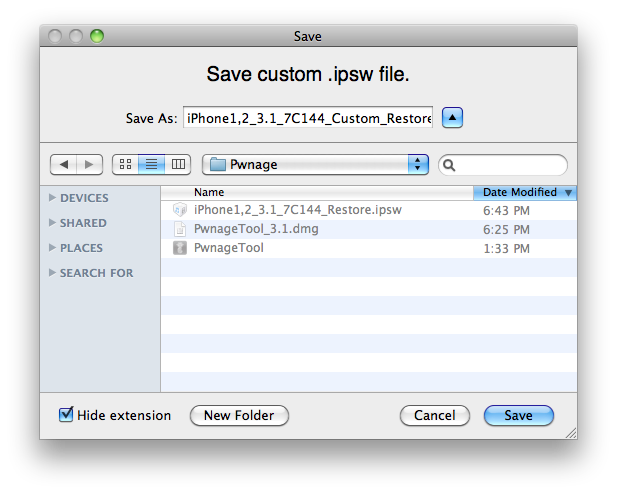
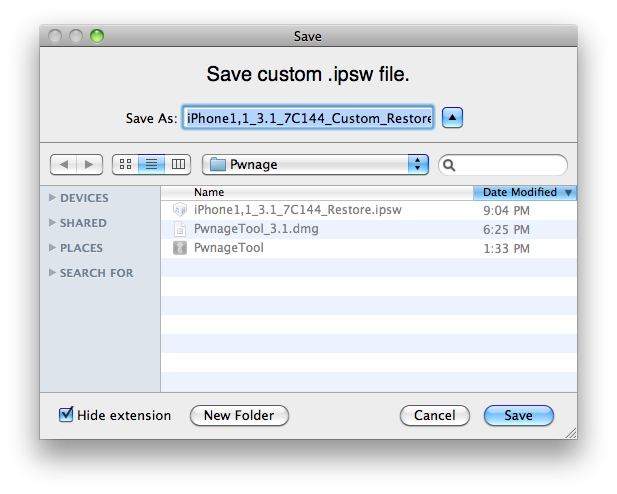
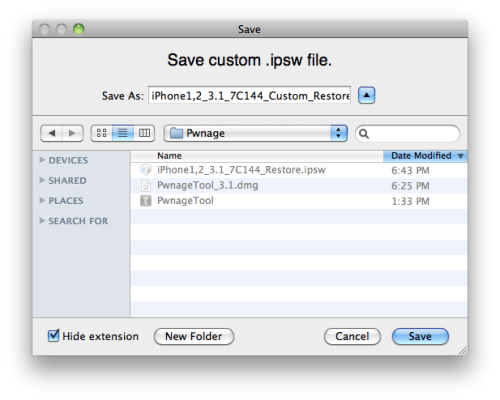
You will be asked to save your custom .ipsw file. Save it to your Pwnage folder you created on your Desktop.
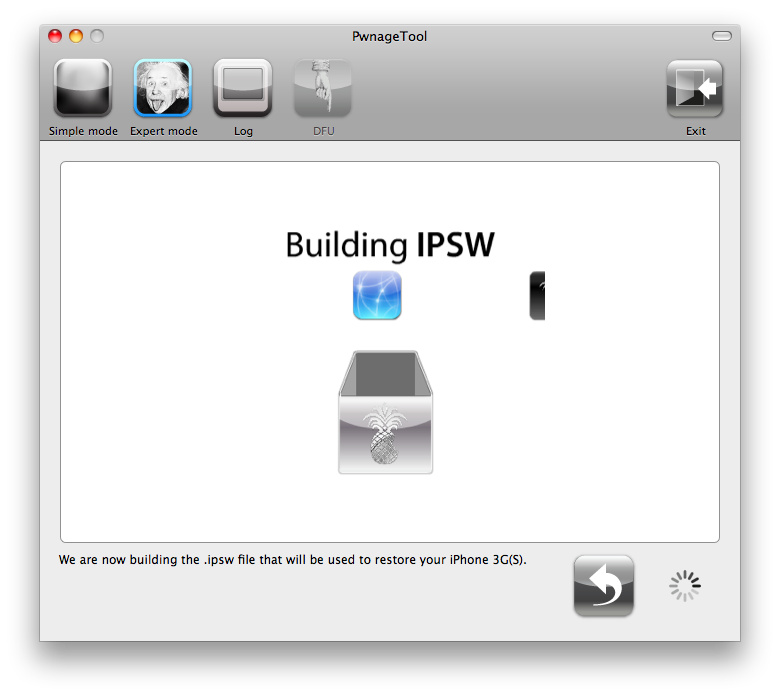
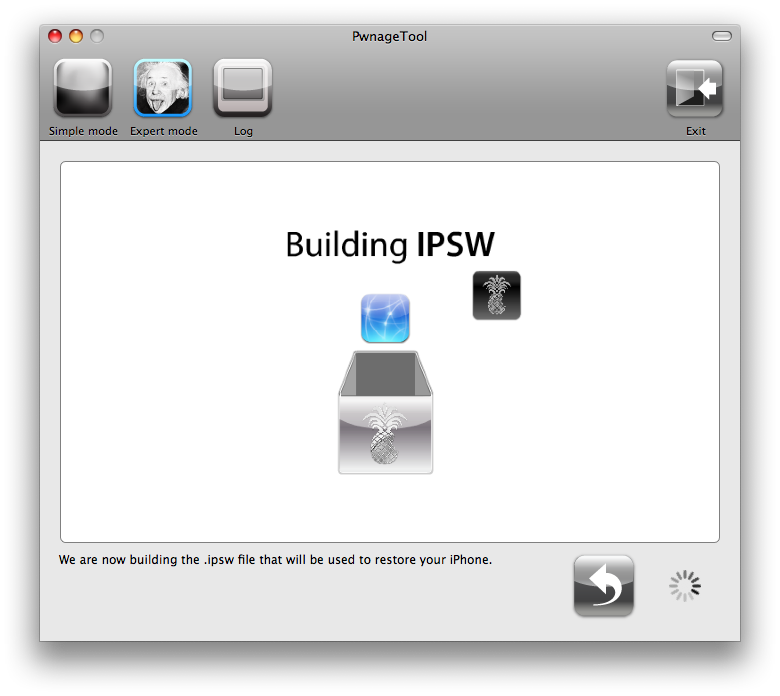
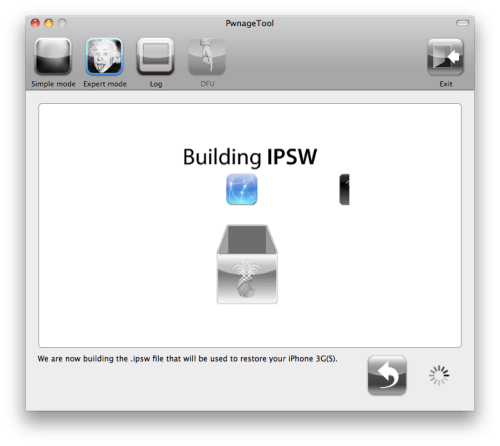
Your IPSW is not being built. Please allow up to 10 minutes.
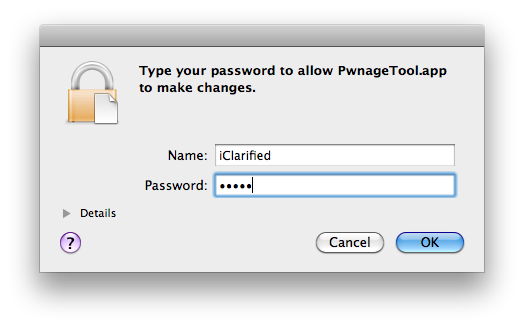
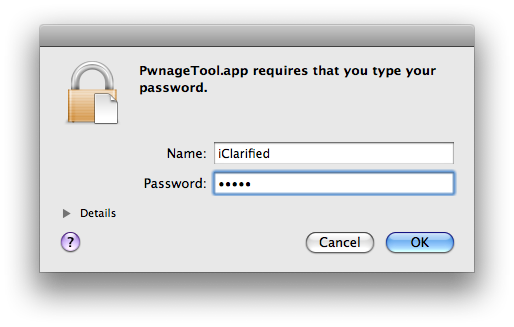
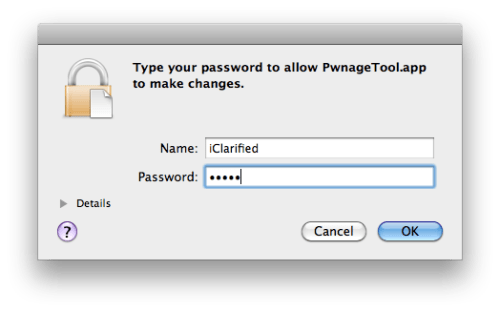
You will be asked to enter your administrator password. Do this then click the OK button.
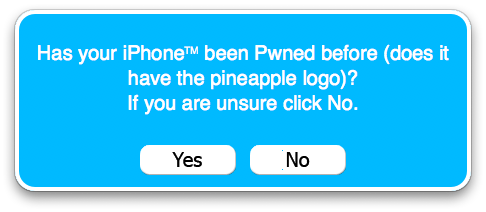
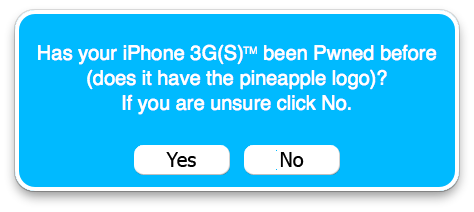
When prompted if your iPhone has been Pwned before, we clicked No. It allows for a more thorough restore.
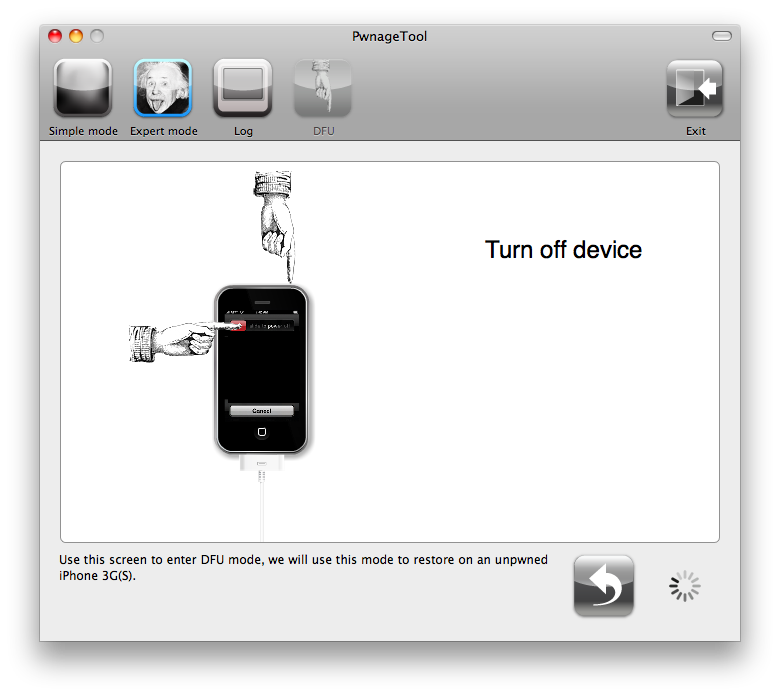
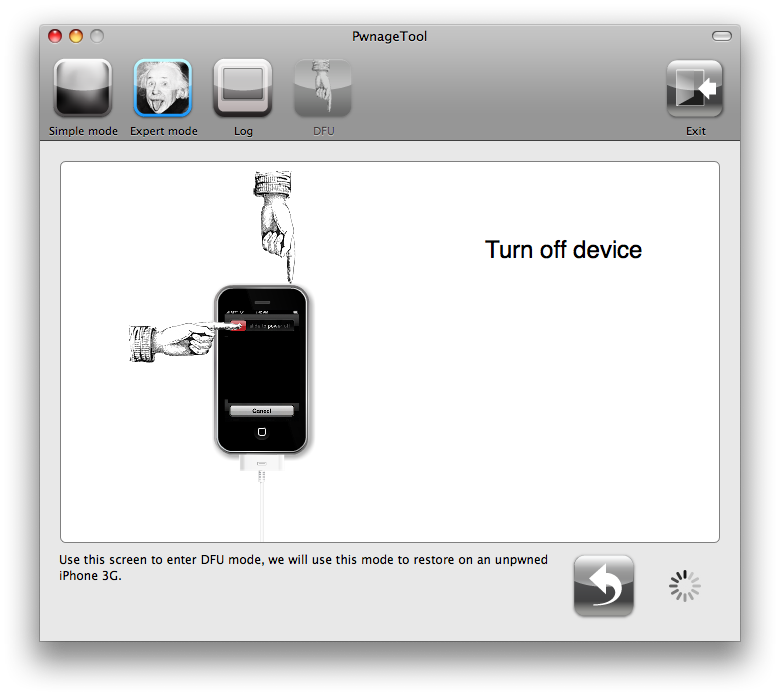
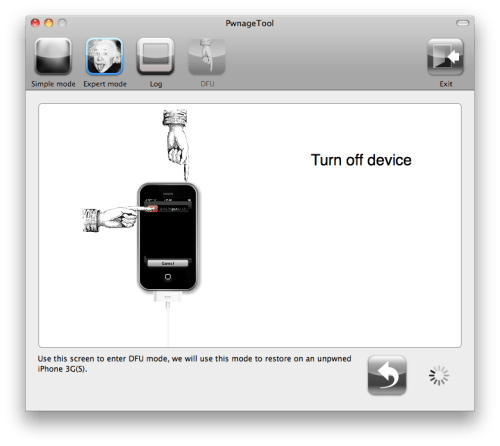
You will be asked to turn off the device. Make sure it is connected to the USB port.
Step Nine
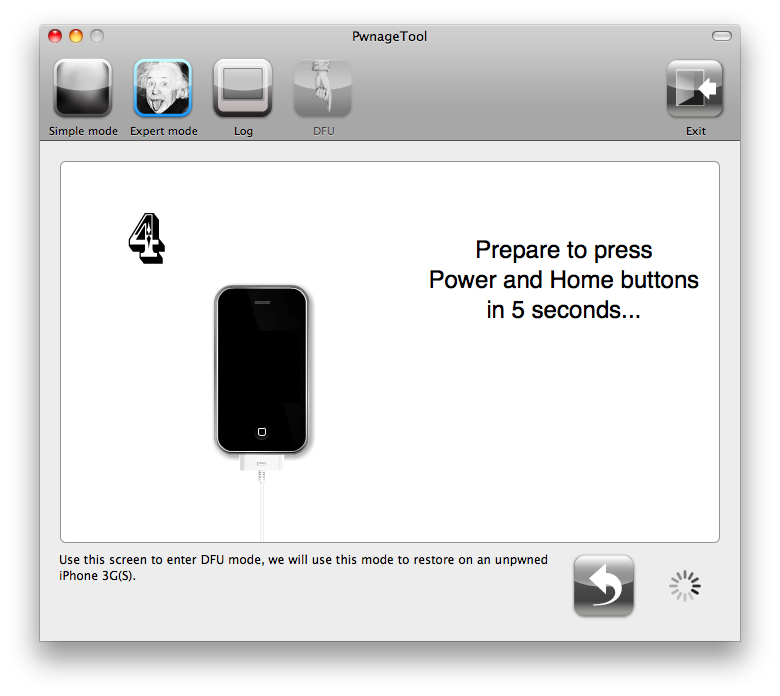
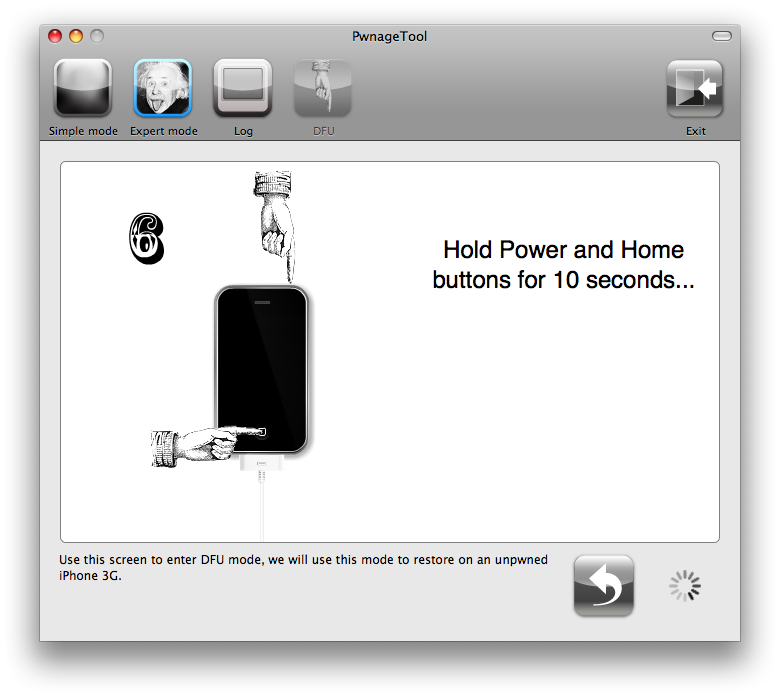
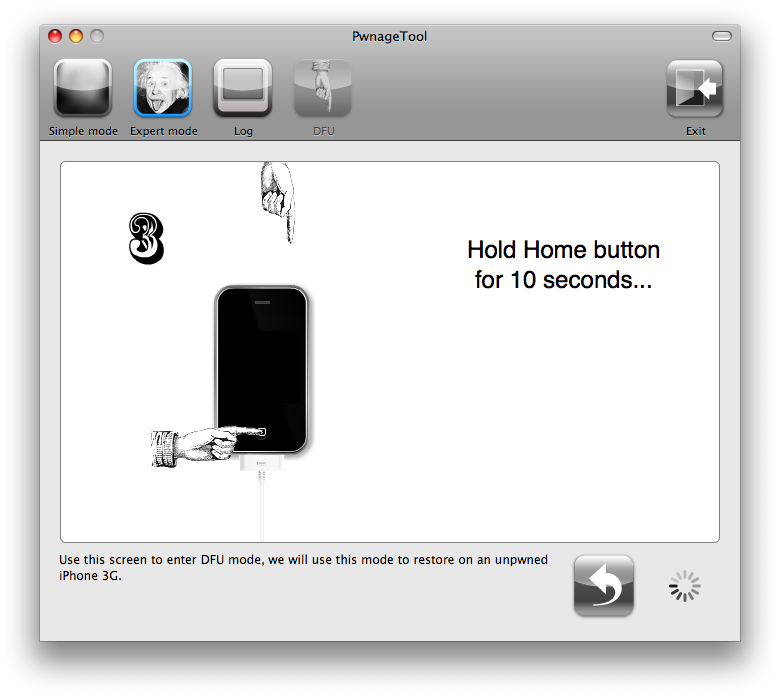
Be ready to follow directions now. It will ask you to hold the home button and the power button for 10 seconds. Then, you will have to release the power button and hold the home button for 10 seconds to enter DFU.
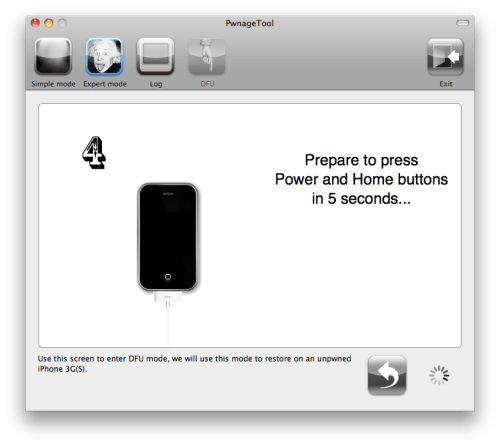
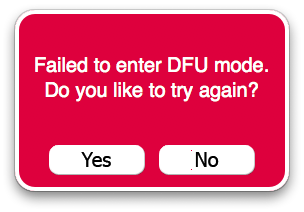
If you fail, it will show you a message. Click Yes. Unplug the iPhone from the USB. Turn it off, then turn it back on. Plug it back into the USB and turn off the iPhone when prompted.
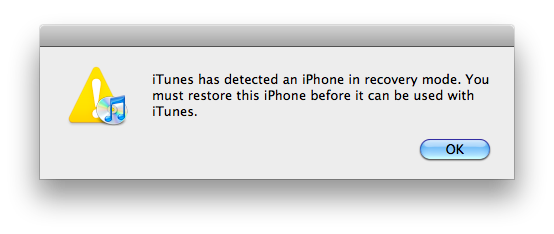
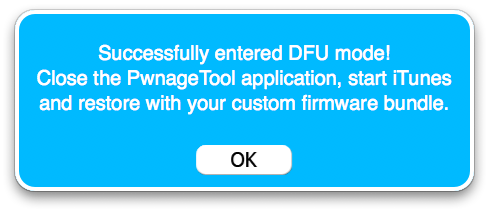
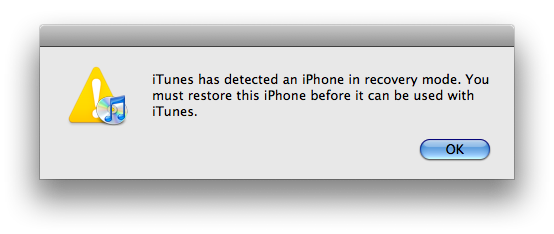
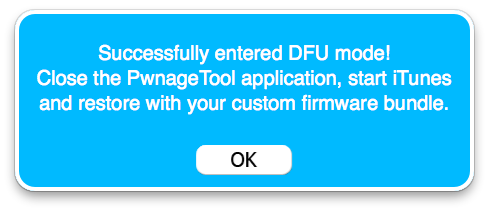
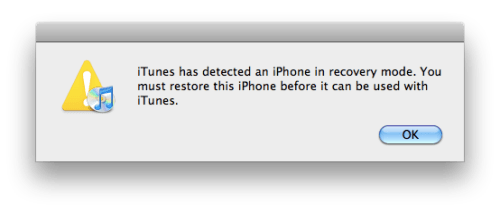
When done correctly, PwnageTool will display a message telling your that it successfully entered DFU mode. iTunes will also pop-up.
Step Ten
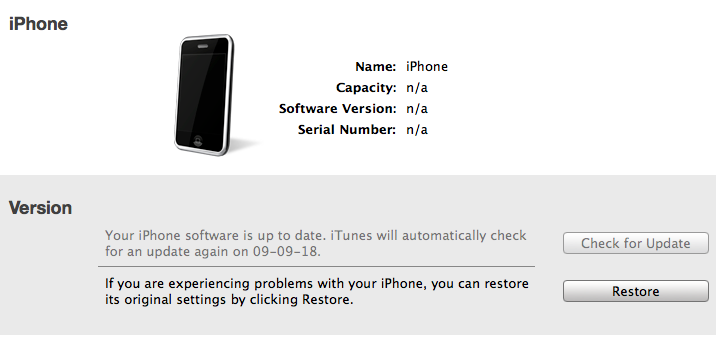
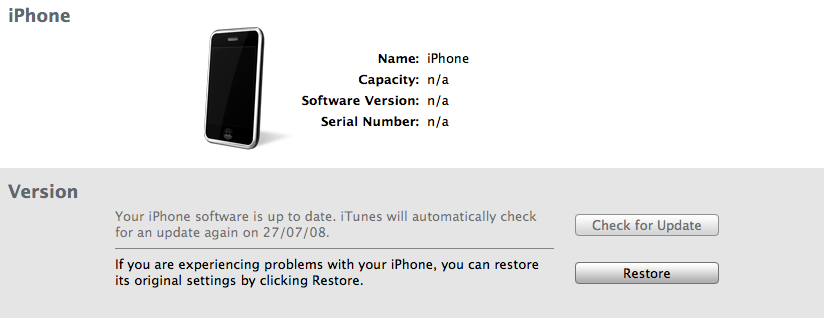
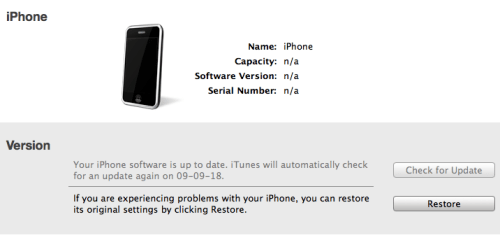
In iTunes, hold the Alt/Option key and click Restore.
Step Eleven
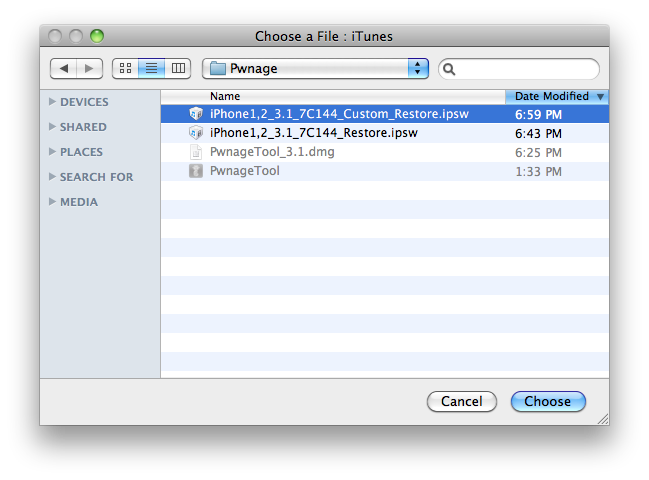
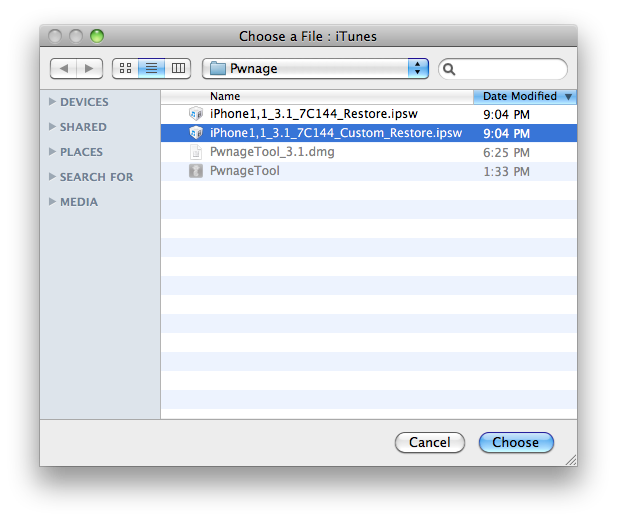
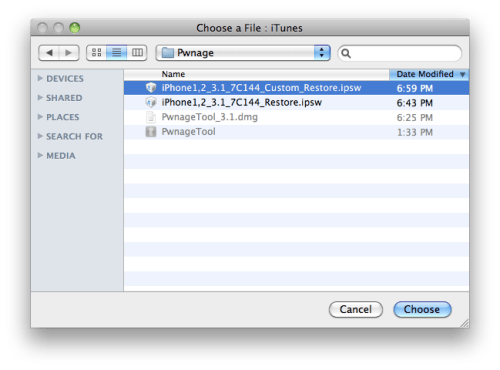
Navigate to the Pwnage folder on your desktop using the dialog window that appears. Select the custom IPSW that was created (iPhone1,2_3.1_7C144_Custom_Restore.ipsw) and click the Open button.
Step Twelve
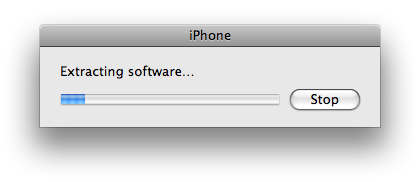
iTunes will now restore the firmware on your iPhone. This can also take up to 10 minutes.
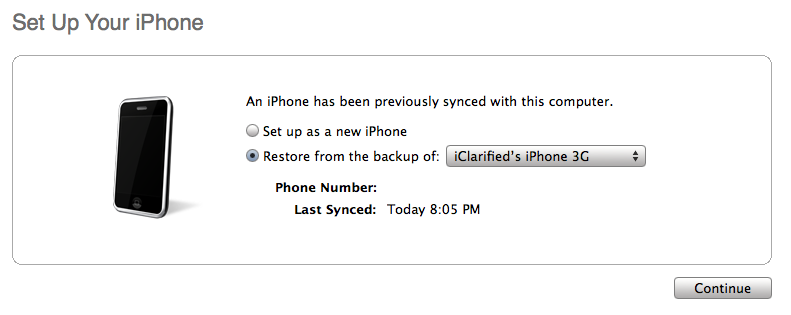
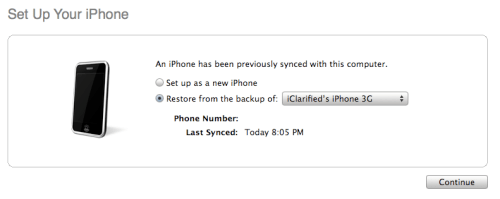
If you so desire you may restore from a previous backup to keep all your settings or set your iPhone up fresh.
Step Thirteen
Once the restore is completed your iPhone will reboot and you will notice Cydia is present on the SpringBoard!