How To Unlock/Jailbreak Your iPhone 2G on OS 3.1.2 Using Blackra1n

The Blackra1n RC3 software is available for both Windows and Mac users, and it supports iPhone 2G, iPhone 3G, iPhone 3GS. Blackra1n RC3 is the most advanced and easy to use utility. Blackra1n RC3 includes the Blacksn0w “ unlock for the latest 05.11.07 baseband ” “ enable official tethering ” and a ” huge 15 second speed improvement ”. We already published the Jailbreak Unlock iPhone 3G 3GS 3.1.2 with Blackra1n. Here’s the guide that allows you to run the Jailbreak, activation and unlocking the phone part of all the EDGE. Please note Blackra1n is just for jailbreak later we need a working Wi-Fi connection to Install BootNeuter from Cydia.

Step One : Download
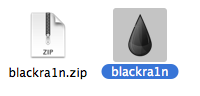
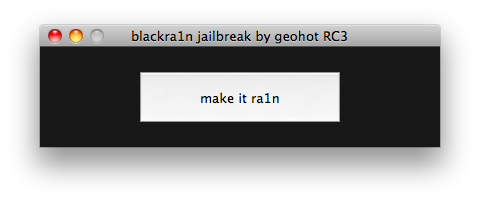
Blackra1n RC3 and double click the rain drop icon to launch the program

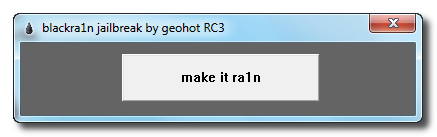
Step Two : Click the make it ra1n button.

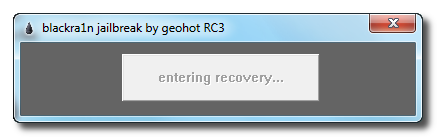
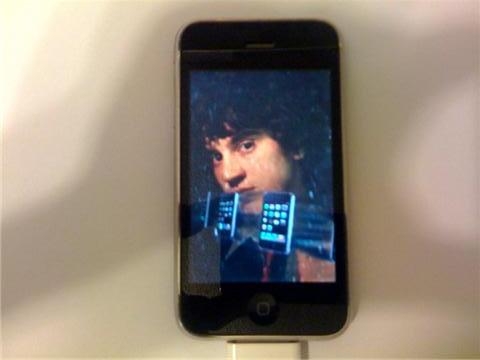
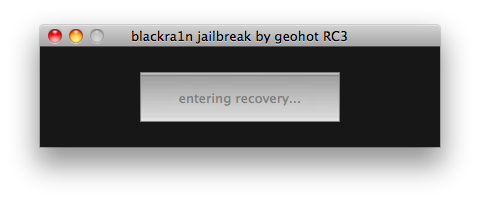
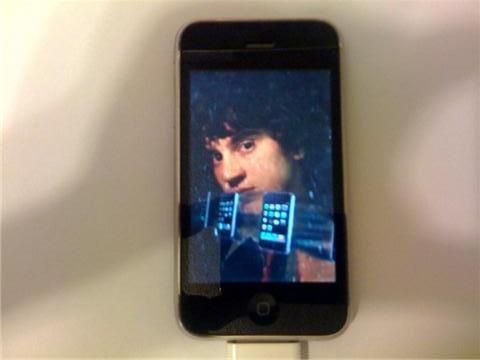
Step Three : You iPhone will now be placed in recovery mode. You will see a picture of GeoHot that replaces the

regular recovery mode screen on your device.

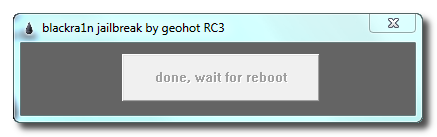
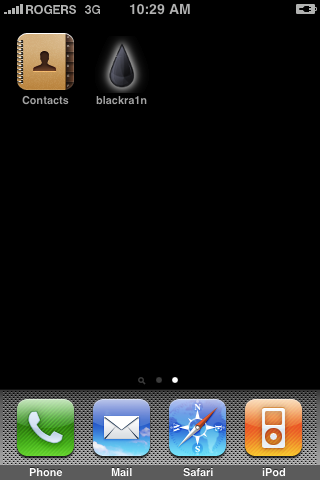
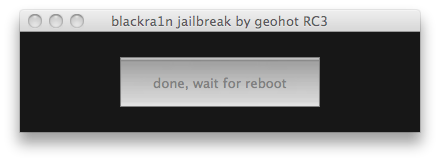
Step Four : Your iPhone or iPod Touch will reboot once blackra1n is done doing it’s thing and you should see the

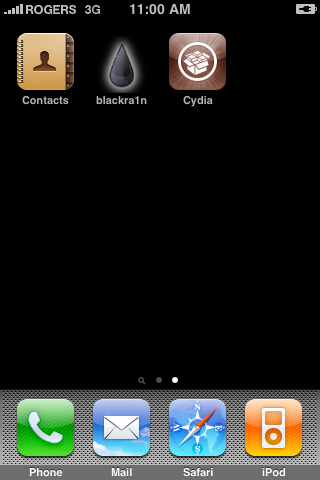
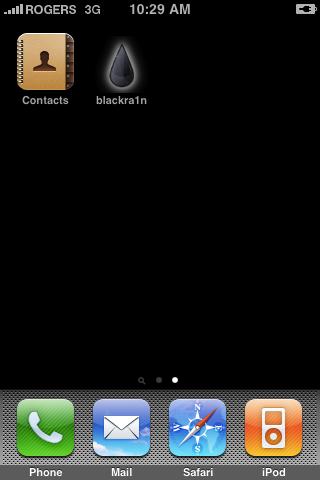
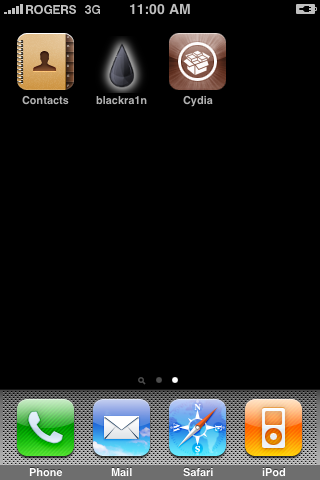
blackra1n icon on there. If you don’t see the blackra1n icon, go to the last page on your iDevice and you should see it.

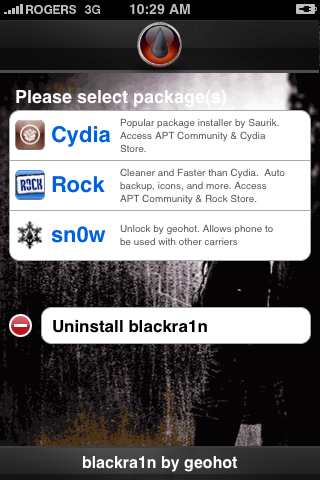
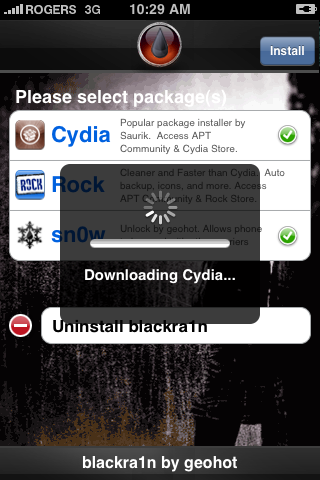
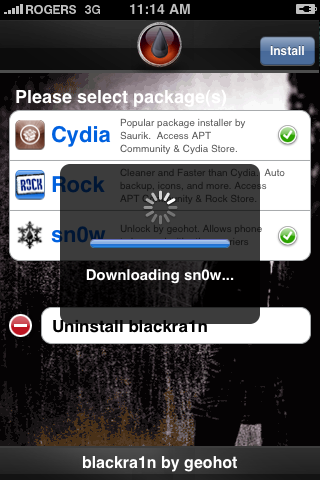
Step Five : Install Cydia from

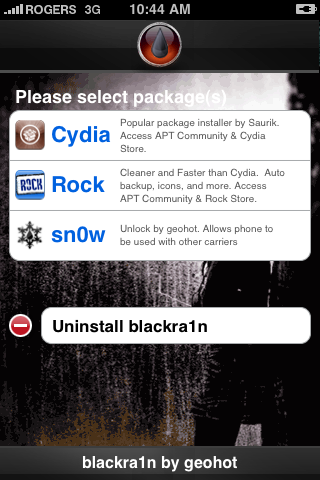
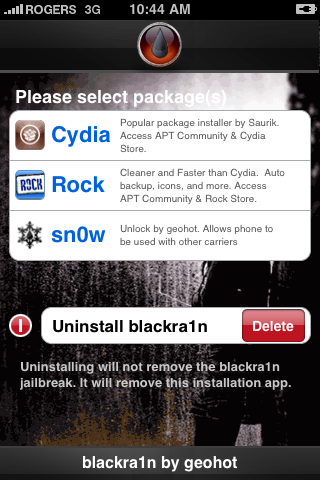
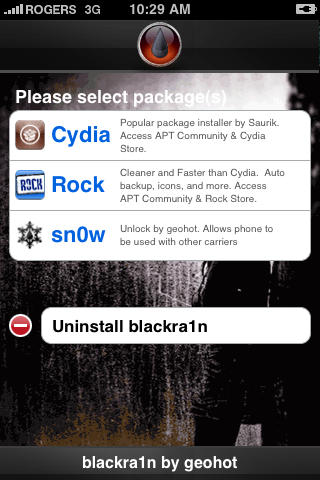
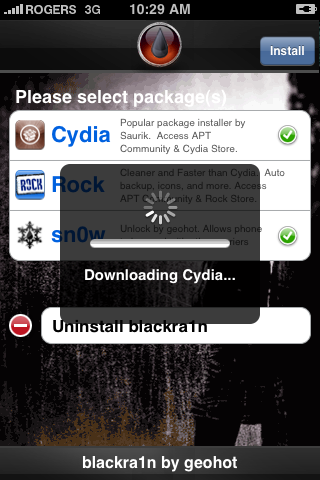
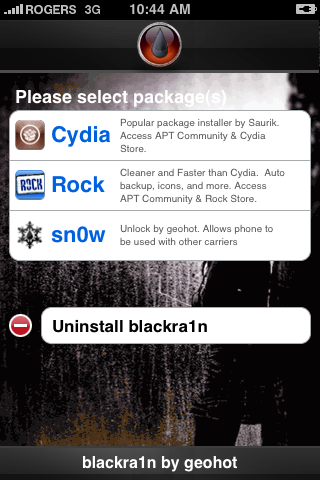
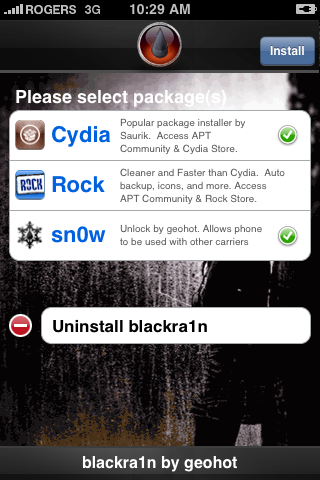
the blackra1n app. You have the option of choosing Cydia, and Rock. I don’t recommend you to install both of them at once, because that may cause problems. Install them one

at a time then reboot and then second one.

Step Six : Open Cydia and run updates essential. Now se

arch for “BootNeuter” and install the bootneuter app. When BootNeuter Starts make sure that the application has following configurations.


Step Seven : When you are ready click on the button “Flash” and after a few seconds you will have unlocked the phone part of your iPhone 2G

Warning do not interrupt the process of flashing : This may take some time before being completed, so you should have a little patience.

***THANKS: A big thanks to Geohot for making this jailbreak possible.


How to Unlock the iPhone 3G, 3GS Using BlackSn0w

These are instructions on how to unlock the iPhone 3G and 3GS using BlackSn0w. To follow these instructions you must be on the 05.11.07 baseband and have already jailbroken.

If you have not already jailbroken it will be easier to follow one of these tutorials which will walk you through both jailbreaking and unlocking.
- Mac

Lets begin...

Watch the Video!
For your convenience this tutorial is available in video format also. Click the Watch It button to view the tutorial!


Step One
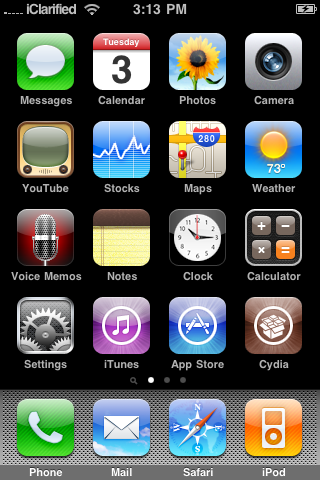
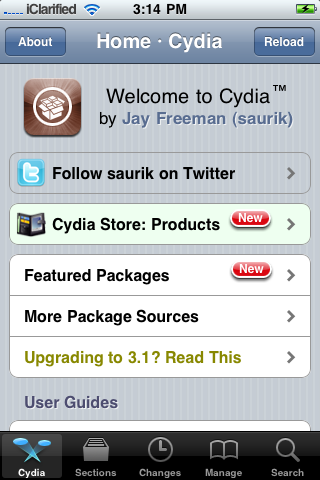
Press to launch Cydia from your iPhone Springboard.

Step Two
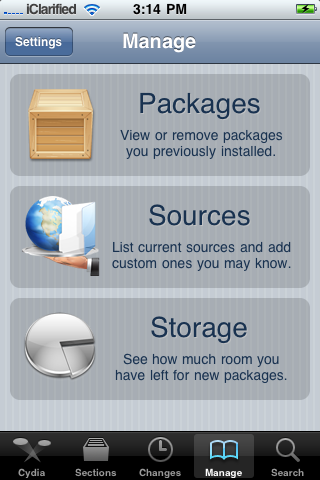
Press to select Manage from the tabs at the bottom of the screen.

Step Three
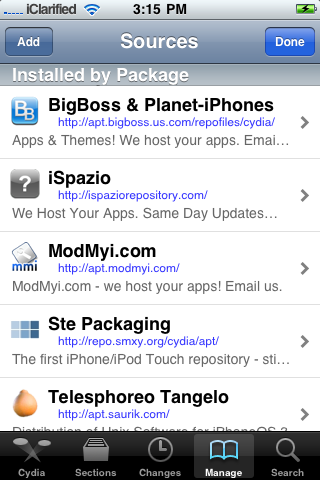
Press the large Sources button.

Step Four
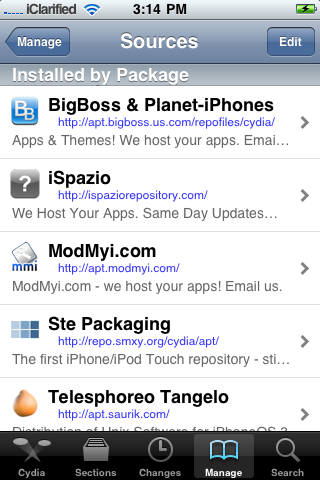
Press the Edit button at the top right of the screen.

Step Five
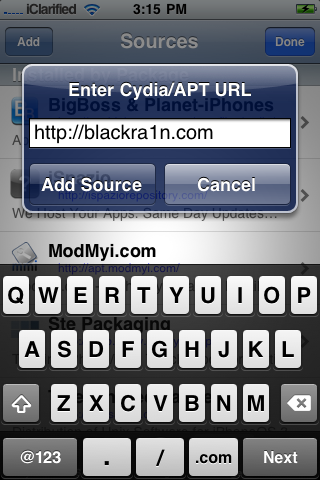
Press the Add button at the top left of the screen.

Step Six
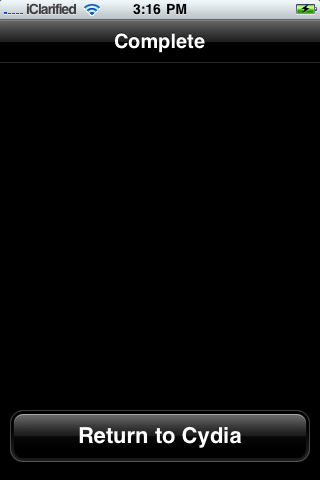
Input http://www.blackra1n.com as the source address then press the Add Source button. Once Cydia has added the source press the large Return to Cydia button.

Step Seven
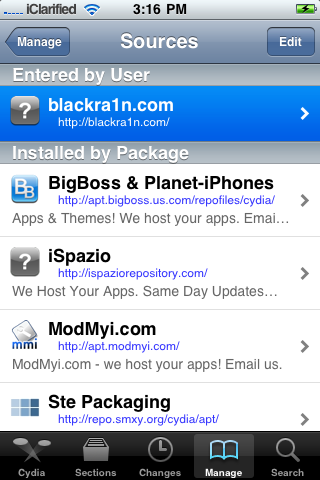
Press the Done button at the top right of the screen.

Step Eight
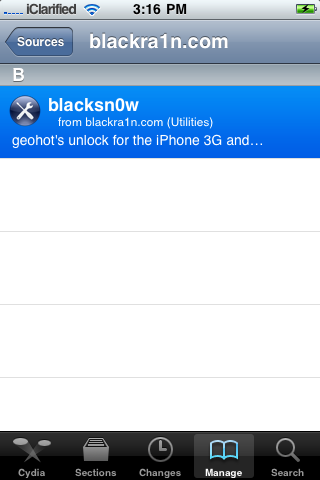
Press to select blackra1n.com from the list of sources.

Step Nine
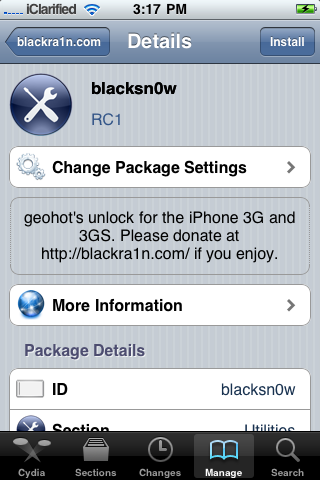
Press to select blacksn0w from the list of packages.

Step Ten
Press the Install button at the top right of the screen.

Step Eleven
Press the Confirm button at the top right to begin installation.

Step Twelve
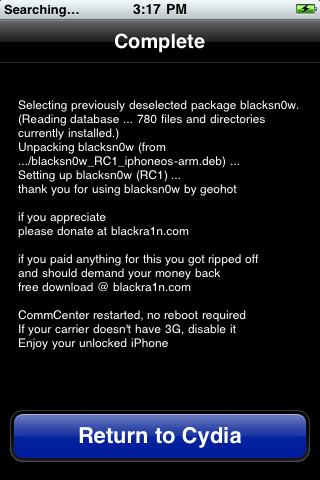
Once the unlock has been installed successfully press the large Return to Cydia button.

Step Thirteen
Wait a few minutes for your CommCenter to restart and you will now be able to use the SIM card of your choice on your unlocked iPhone!


***THANKS: Congratulations and thanks to Geohot for making this unlock possible. You can donate towards his efforts at www.blackra1n.com.

How to Jailbreak and Unlock Your iPhone 3G, 3GS Using BlackSn0w [Windows]

These are instructions on how to jailbreak and unlock your iPhone 3G and 3GS using BlackRa1n and BlackSn0w for Windows.

These instructions will work with the latest 3.1.2 firmware, the 05.11.07 baseband, and iPhones which require hactivation.

For those with a new iPhone 3GS (updated Bootrom), BlackRa1n only supports a tethered jailbreak. This means that once jailbroken you should not let your battery die. If it does die you will need to reconnect it to the computer and use BlackRa1n to boot it.

Before continuing make sure you are on the 05.11.07 baseband. If you are not please update your firmware to 3.1.2 using iTunes before continuing.

You can find the Mac version of this tutorial here. Ok lets begin...


Step One
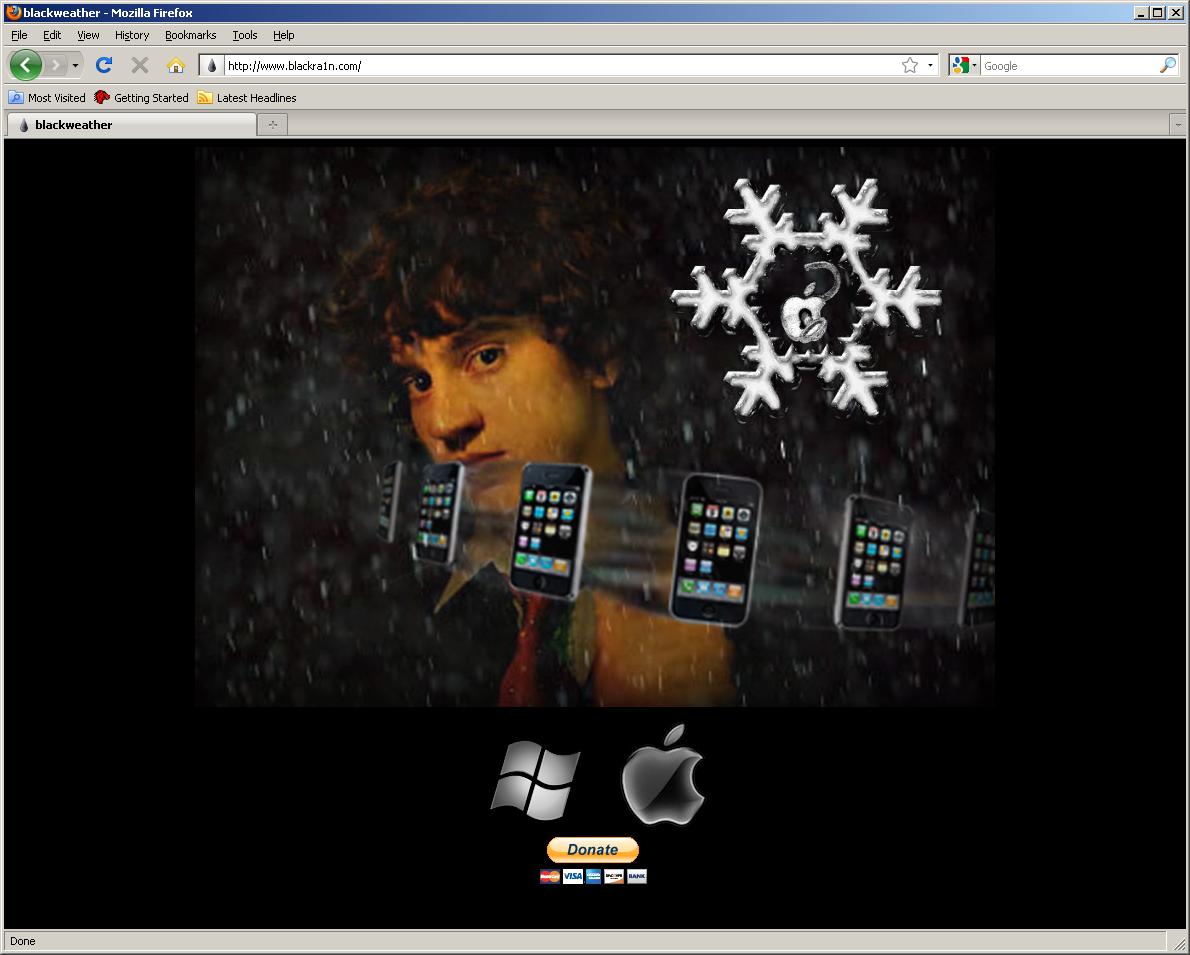
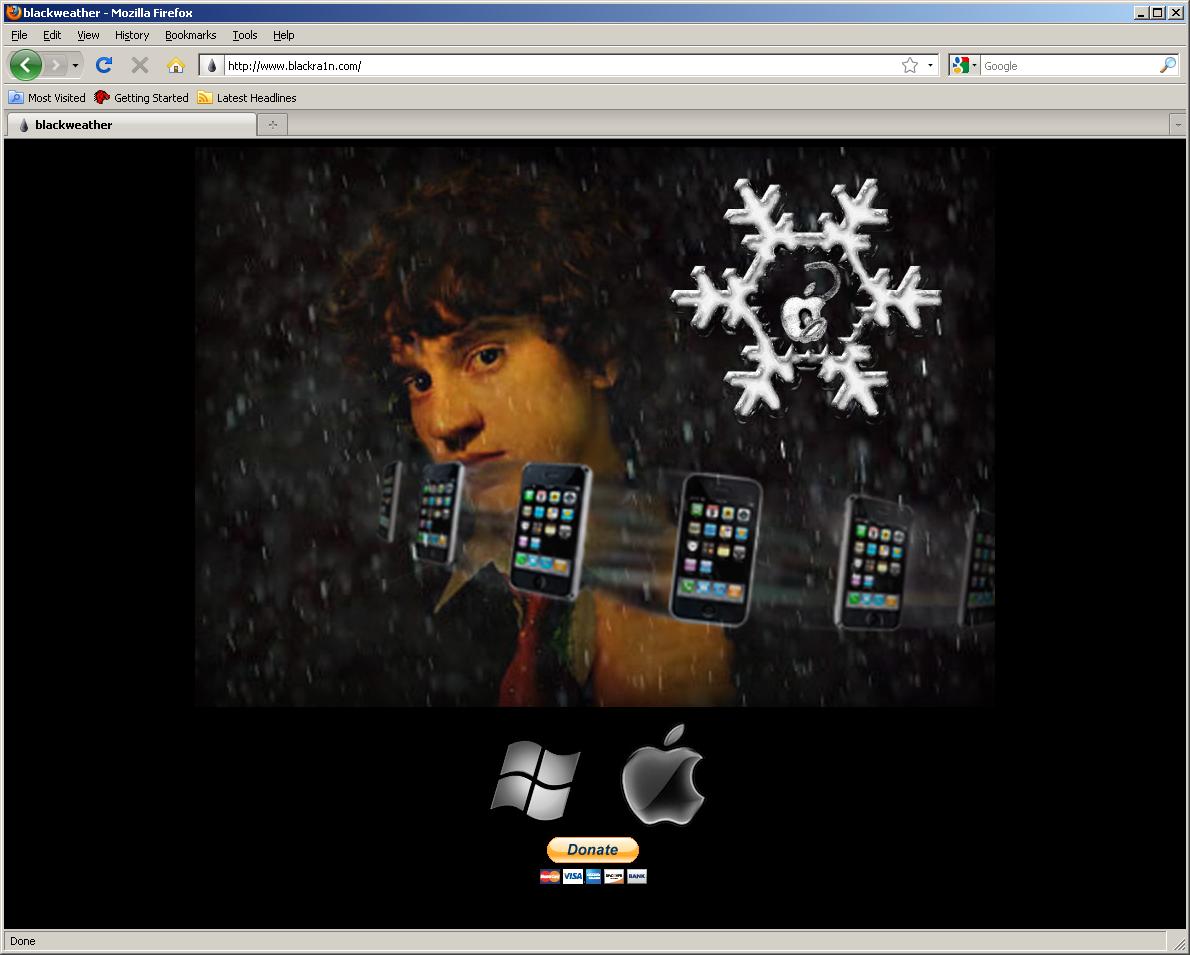
Open your web browser of choice and navigate to http://www.blackra1n.com. Click the Windows logo at the bottom of the screen.

Step Two
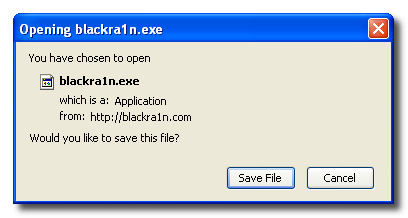
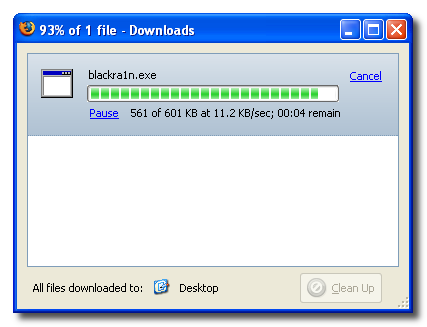
When prompted save the download to your desktop


Step Three
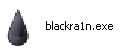
Then double click the blackra1n executable file from the desktop to launch the program

Step Four
Make sure your iPhone or iPod is connected to the computer then click the large make it ra1n button

Step Five
You iPhone will now be placed in recovery mode.

You will see a picture of GeoHot that replaces the regular recovery mode screen on your device.

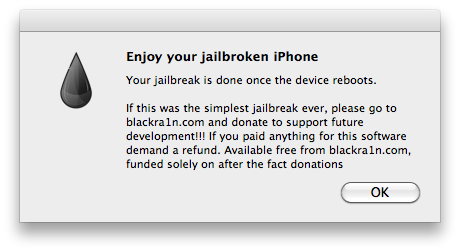
blackra1n will run and then your device will reboot.

A popup message will appear informing you that BlackRa1n is free software and if you appreciate it you can donate to GeoHot at geohot@gmail.com.

Step Six
Once your device reboots it will be jailbroken and you will notice a blackra1n icon on the Springboard. Make sure you have an internet connection and press to launch the application.

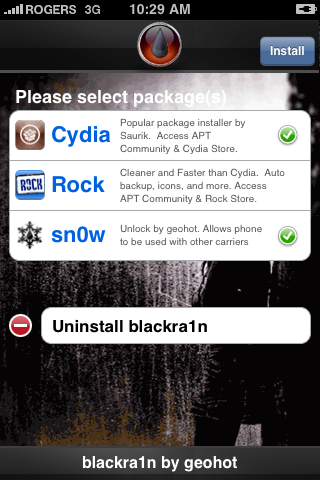
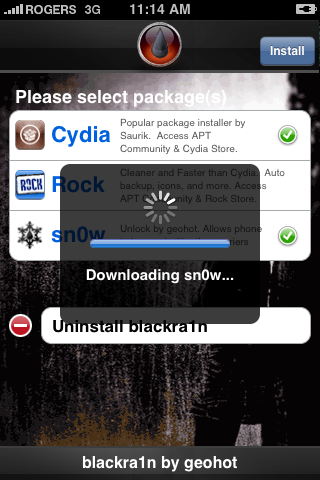
Choose the installer application of your choice then press to select sn0w if you would like to unlock your device. Press the Install button at the top right of the screen to begin.

BlackRa1n will begin to download and install the package you selected.

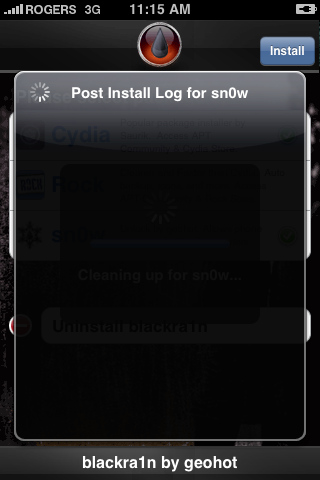
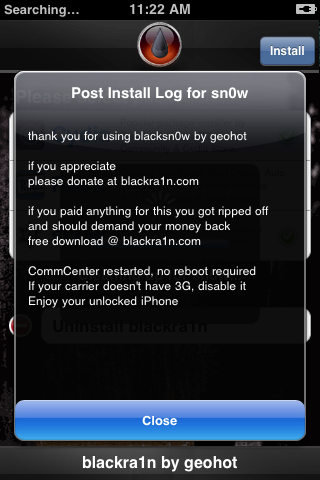
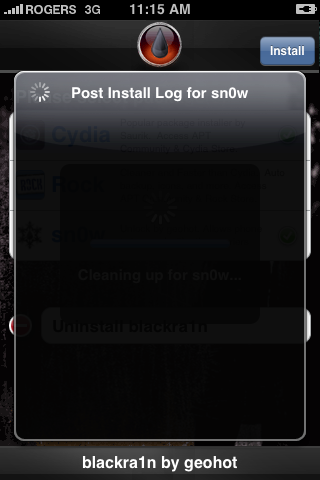
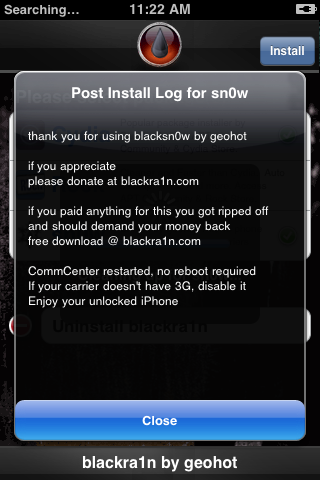
If you chose to unlock device using blacksn0w you will be presented with a Post Install log for sn0w. CommCenter will be restarted and there is no need to reboot. If your carrier doesn't support 3G then disable it. Press the Close button to continue.

Step Seven
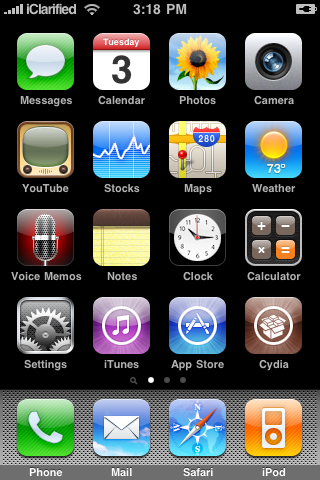
Once complete BlackRa1n will respring your iPhone and you will find the installer package of your choice on the Springboard.

Step Eight
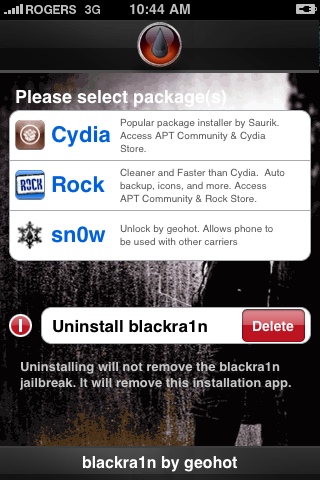
Once you have confirmed your installer package is working correctly you may use the Uninstall blackra1nbutton inside the BlackRa1n app to remove it from your springboard.

***THANKS: A big thanks to Geohot for making this jailbreak possible.

How to Jailbreak and Unlock Your iPhone 3G, 3GS Using BlackSn0w [Mac]

These are instructions on how to jailbreak and unlock your iPhone 3G and 3GS using BlackRa1n and BlackSn0w for Mac.

These instructions will work with the latest 3.1.2 firmware, the 05.11.07 baseband, and iPhones which require hactivation.

For those with a new iPhone 3GS (updated Bootrom), BlackRa1n only supports a tethered jailbreak. This means that once jailbroken you should not let your battery die. If it does die you will need to reconnect it to the computer and use BlackRa1n to boot it.

Before continuing make sure you are on the 05.11.07 baseband. If you are not please update your firmware to 3.1.2 using iTunes before continuing.

You can find the Windows version of this tutorial here. Ok lets begin...


Step One
Open your web browser of choice and navigate to http://www.blackra1n.com. Click the Apple logo at the bottom of the screen.

Step Two
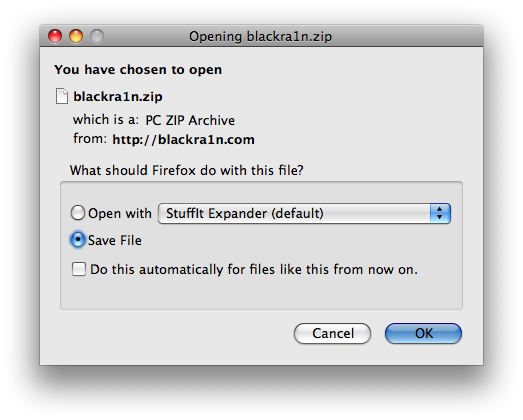
When prompted save the download to your desktop

Step Three
Then double click the downloaded blackra1n zip file to extract the application, then double click the application icon to launch the program

Step Four
Make sure your iPhone or iPod is connected to the computer then click the large make it ra1n button

Step Five
You iPhone will now be placed in recovery mode.

You will see a picture of GeoHot that replaces the regular recovery mode screen on your device.

blackra1n will run and then your device will reboot.

A popup message will appear informing you that BlackRa1n is free software and if you appreciate it you can donate to GeoHot at geohot@gmail.com.

Step Six
Once your device reboots it will be jailbroken and you will notice a blackra1n icon on the Springboard. Make sure you have an internet connection and press to launch the application.

Choose the installer application of your choice then press to select sn0w if you would like to unlock your device. Press the Install button at the top right of the screen to begin.

BlackRa1n will begin to download and install the packages you selected.

If you chose to unlock device using blacksn0w you will be presented with a Post Install log for sn0w. CommCenter will be restarted and there is no need to reboot. If your carrier doesn't support 3G then disable it. Press the Close button to continue.

Step Seven
Once complete BlackRa1n will respring your iPhone and you will find the installer package of your choice on the Springboard.

Step Eight
Once you have confirmed your installer package is working correctly you may use the Uninstall blackra1nbutton inside the BlackRa1n app to remove it from your springboard.


***THANKS: A big thanks to Geohot for making this jailbreak and unlock possible.
 
 iPhone © 2012 | Designed by LogosDatabase.com, in collaboration with Credit Card Machines, Corporate Headquarters and Motivational Quotes