
Mobile Substrate updated

Wednesday, 1 April 2009
Mobile Substrate is updated to version 0.9.2805-1, it seems to resolve the problems with the background, so we can use Skype (no 3G) installing VoipOver3G (Cydia) with him.

Test and say it worked with the 3G connection, it does not work I will explain a method to solve it.

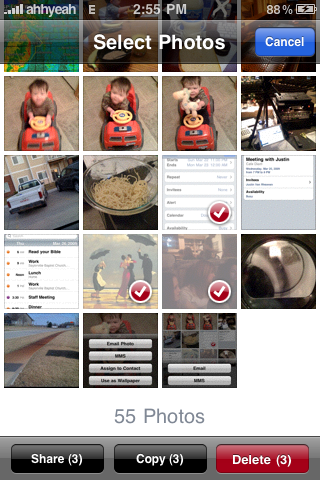
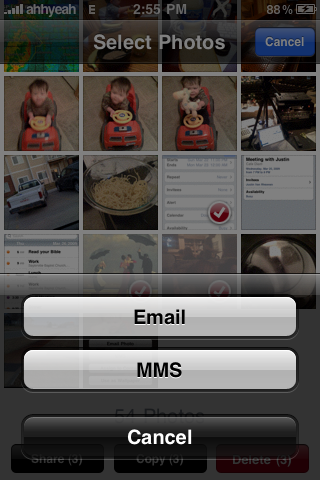
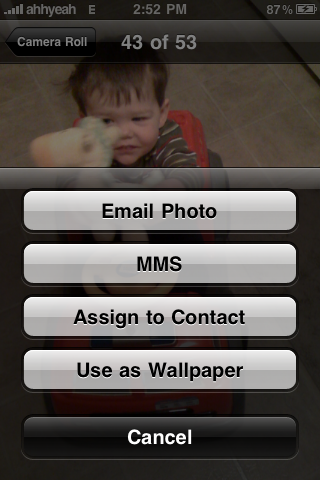
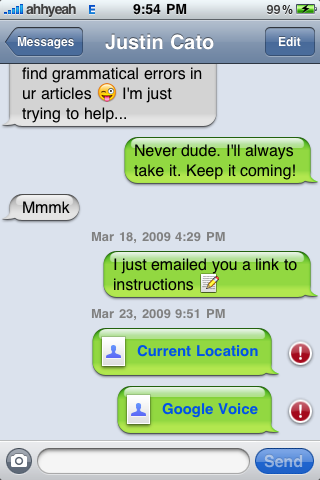
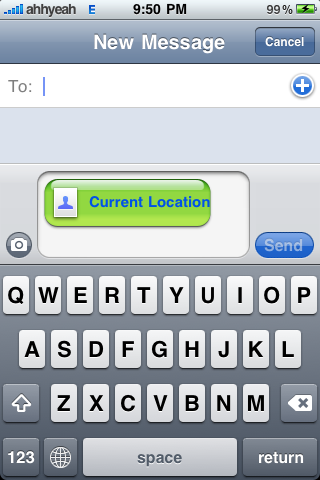
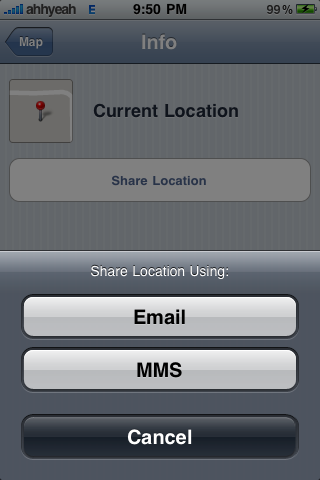
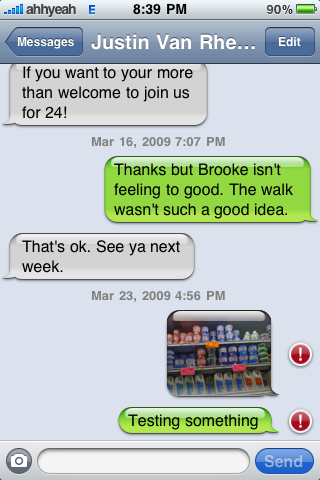
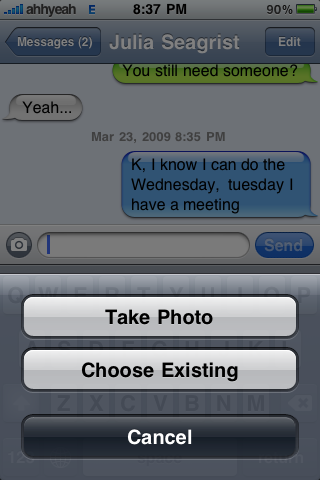
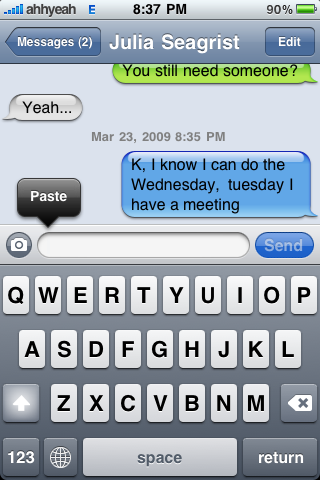
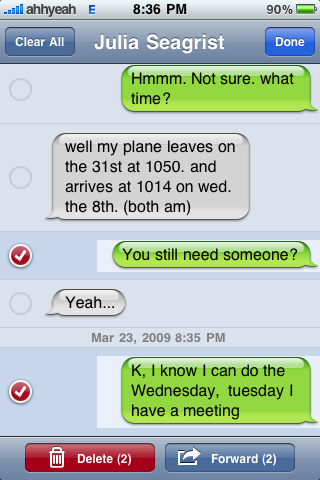
Sending and receiving MMS was successfully performed in the new firmware 3.0 Beta 2

The function of sending MMS has been shown in the first beta of firmware 3.0 of the iPhone, but it was locked, if you want to send or receive the message to edit a file for the MMS function. With the new update to the Beta 2 of the firmware 3.0 everything works perfectly, no need to modify any file, the tests were made in the USA.

Latest iPhone 3.0 Beta Allows 11 Pages of Apps (180 Apps)

Click the image to open in full size.

Apple's second iPhone 3.0 beta that was seeded today offers the usual collection of bug fixes and improvements, but does introduce one new feature: users are now allowed 11 pages of apps (180 apps total) on your iPhone and iPod Touch.

The finding was posted with screenshot by TheLoopBlog and was subsequently verified by another user. The currently shipping version of the iPhone firmware only allows 9 pages of Apps (148 apps total). While the distinction may seem small, many users have already run into the 148 application limit in their day to day use.

While Apple has been rumored to offer more robust application support in future versions of the iPhone operating system, no announcements were made during the iPhone 3.0 media event.

via MacRumors

Apple Seeds Second iPhone 3.0 Beta to Developers Second Apple Seeds iPhone 3.0 Beta to Developers


After only two weeks from its initial release, Apple has released a second beta version of their iPhone 3.0 operating system. After only two weeks from its initial release, Apple has released the second beta version of their iPhone 3.0 operating system. The new seed is available only to registered iPhone developers. The new seed is available only to registered iPhone developers.The iPhone 3.0 beta was first introduced earlier this month and includes a number of enhancements : The iPhone 3.0 beta was first introduced earlier this month and includes a number of enhancements:

- Search - Search
- Copy and Paste - Copy and Paste
- MMS - MMS
- Tethering Support - Tethering Support
- In-App Purchases - In-App Purchases
- Push notifications - Push notifications
- Many new APIs for developers - Many new APIs for developers

At this early stage, there are no reports of any obvious changes in today's seed. At this early stage, there are no reports of any obvious changes in today's seed. Apple is expected to release the final version of iPhone 3.0 to consumers this summer. Apple is expected to release the final version of iPhone 3.0 to consumers this summer.

iiNav : Montimedia V.2 SpringJump!!!

http://i156.photobucket.com/albums/t21/Montimedia/Article/Present.png

Youtube
http://www.youtube.com/watch?v=RkdRzKFzLII

** Installation **
Download

.rar
MediaFire (PSD Included)
http://www.mediafire.com/file/lzozmxyyo … ediaV2.rar
Mirror zShare
http://www.zshare.net/download/5780105112f27350/

.zip
MediaFire
http://www.mediafire.com/file/enolkwjzg … mediaV2.ip


Follow step by step

Start !!

1.Install Springjump from Cydia
2.Five icons dock from Cydia
3.Categories from Cydia

4.Run Springjump and then tap off for all of that.
http://i156.photobucket.com/albums/t21/Montimedia/Article/IMG_0046.png

5.Create 3 categories called Tools , Apps , Games

6.Put all of applications into those categories except
"Phone" , "Photos" , "Calculator" , "Clock" , "Settings"
"SMS" , "Mail" , "Safari" , "Camera" , "iPod" , "Tools" , "Apps" , "Games"

*For now we count the page of springboard from 0-8 not 1-9.
7.Now order the icon like this.
http://i156.photobucket.com/albums/t21/Montimedia/Article/IMG_0032.png http://i156.photobucket.com/albums/t21/Montimedia/Article/IMG_0033.png
http://i156.photobucket.com/albums/t21/ … G_0034.png
http://i156.photobucket.com/albums/t21/ … G_0035.png
http://i156.photobucket.com/albums/t21/ … G_0036.png
http://i156.photobucket.com/albums/t21/ … G_0037.png
http://i156.photobucket.com/albums/t21/ … G_0038.png
http://i156.photobucket.com/albums/t21/ … G_0039.png
http://i156.photobucket.com/albums/t21/ … G_0040.png

8.Look in folder "SpringJumpsMod" you found "Page0 - Page8" and "SpringJumps"
Put all folders in "SpringJumps" and "Page0"(Only page0 not 0-8) into path Applications/
click on image for enlarge
http://i156.photobucket.com/albums/t21/Montimedia/Article/Browse1.jpg
http://i156.photobucket.com/albums/t21/Montimedia/Article/Browse2.jpg

9.Respringboard and then you found many icon on page 0 and 1

*run poof or SBSettings for hide the icon that name "SpringJumpsXX"
http://i156.photobucket.com/albums/t21/Montimedia/Article/IMG_0056.png

10.Drag "Settings" to dock
11.go to page 1 and drag the strange icon to page0
12.move icon like this
http://i156.photobucket.com/albums/t21/Montimedia/Article/IMG_0047.png

13.finished page.
14.Now we follow the instruction from No.8 by put all of folders in folders "Page1" into path Application/ then respringboard

*I suggest you to put 1 PageX folder then respring because I'm not sure how is it going if you drag all folders from all PageX folder into iPhone at the same time.
but if anyone try that tell me the result.

15.Now reorder the icon in page1.
http://i156.photobucket.com/albums/t21/Montimedia/Article/IMG_0048.png

16.Repeat until you finished all page.
Gif : Many thanks to Candy. smile
http://i707.photobucket.com/albums/ww71/Candy0901/Step15-16.gif
http://i156.photobucket.com/albums/t21/ … G_0049.png http://i156.photobucket.com/albums/t21/ … G_0050.png
http://i156.photobucket.com/albums/t21/ … G_0051.png
http://i156.photobucket.com/albums/t21/ … G_0052.png
http://i156.photobucket.com/albums/t21/ … G_0053.png
http://i156.photobucket.com/albums/t21/ … G_0054.png
http://i156.photobucket.com/albums/t21/ … G_0055.png

17.Now put my theme into path Library/Themes.
18.Open winterboard and settings like this.
http://i156.photobucket.com/albums/t21/Montimedia/Article/IMG_0057.png

19.Now we finished
---------------------------------------------


Thanks again for all of designer.All credits to them.
I've made a little.

** Special Thanks **