These are instructions on how to unlock/jailbreak your 2G iPhone to the 2.2 iPhone firmware using QuickPwn for Windows. Before beginning make sure you have updated to iTunes 8.0.2.
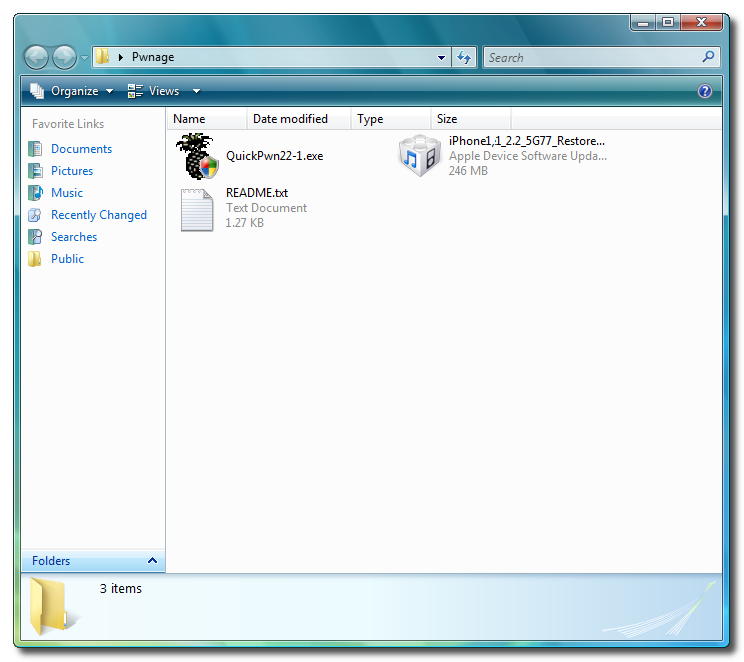
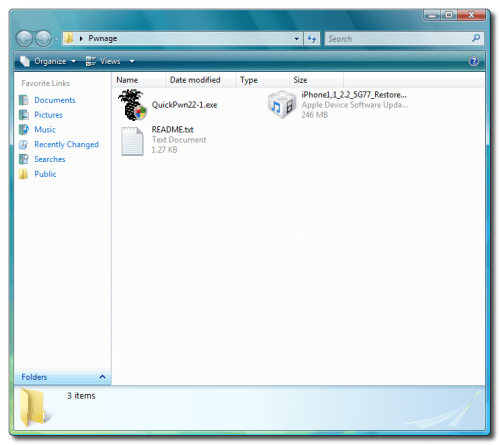
Step OneCreate a folder called
Pwnage on your desktop.
Download the following files and place them in the Pwnage folder you just created:
-
QuickPwn 2.2 -
BL 3.9-
BL 4.6-
2.2.0 (2G):
iPhone1,1_2.2_5G77_Restore.ipswExtract the QuickPwn22.zip file to the Pwnage folder.
 Step Two
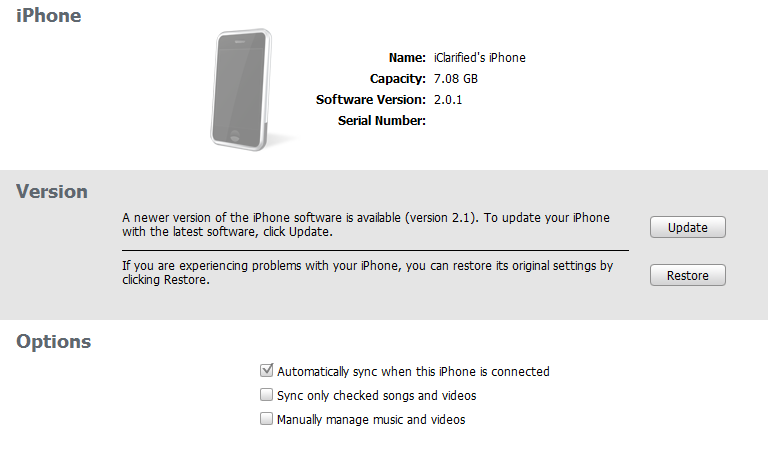
Connect your iPhone to the computer and launch iTunes.

Select your iPhone from the list of devices on the left. Now hold down shift and click the
Restore button. Restore is preferred as it won't create any wasted space on your iPhone.
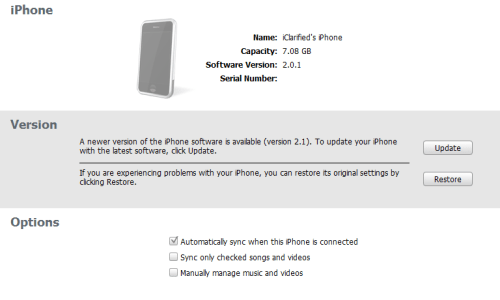
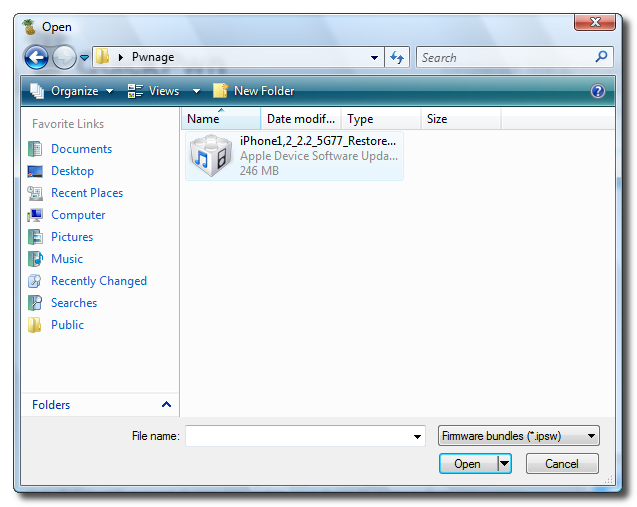
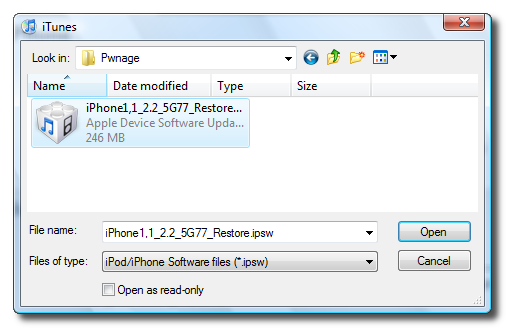
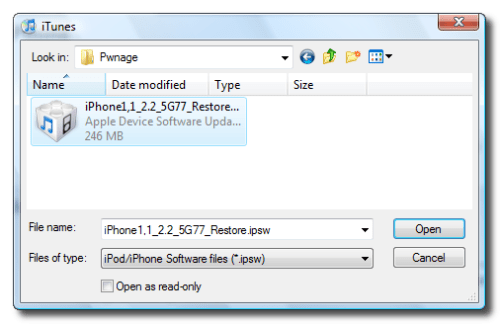
Navigate to the Pwnage folder on your desktop and select the 2.2 firmware ipsw. Click the
Open button to continue.
 Step Three
Once iTunes has finished updating your iPhone to the 2.2 firmware you may launch
QuickPwn.exe from the Pwnage folder on your desktop.
 Step Four
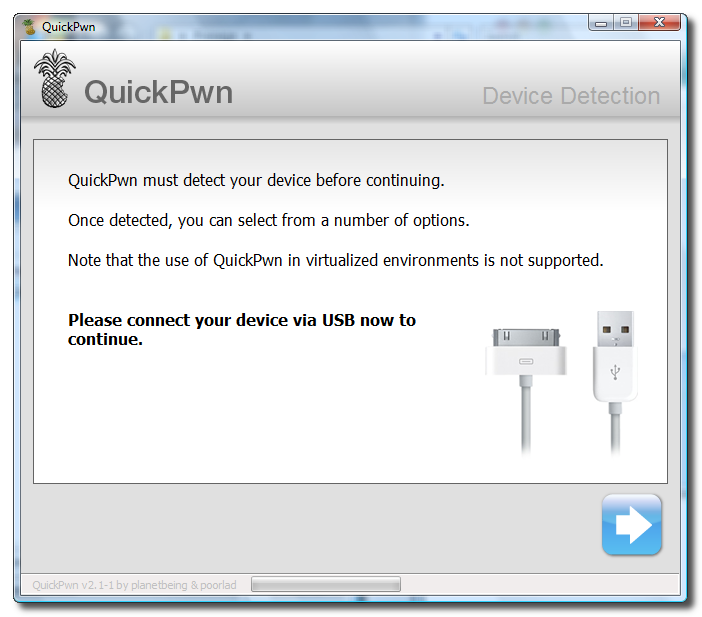
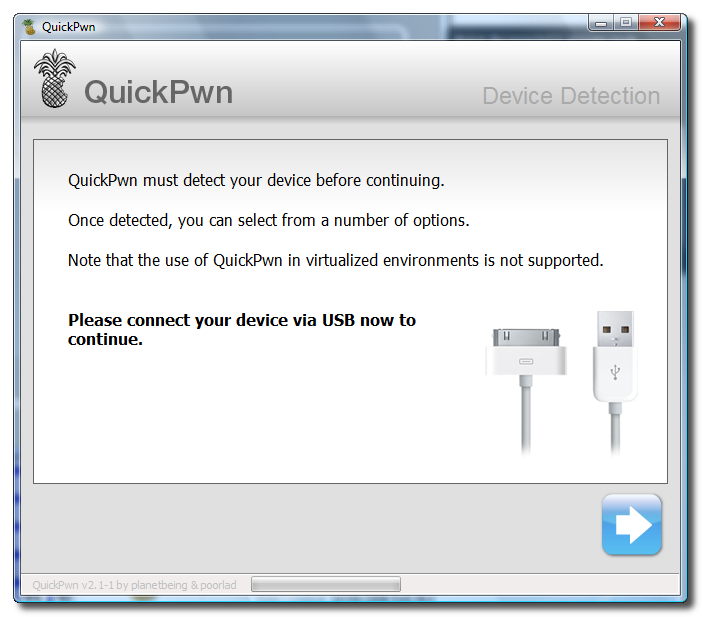
Make sure you iPhone is connected to the computer and click the blue arrow to continue.
 Step Five
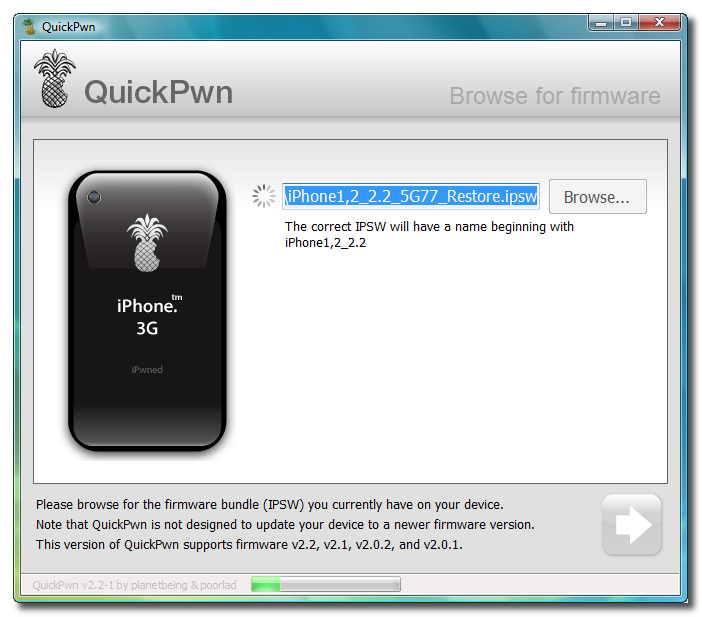
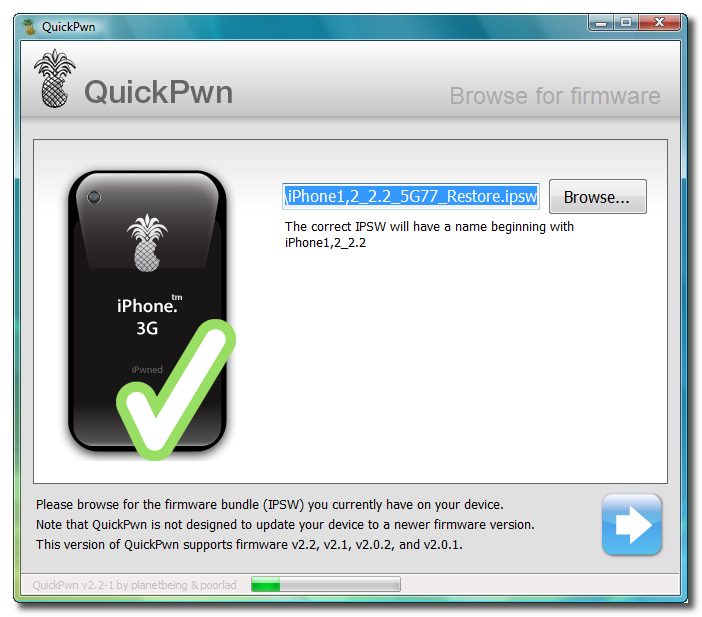
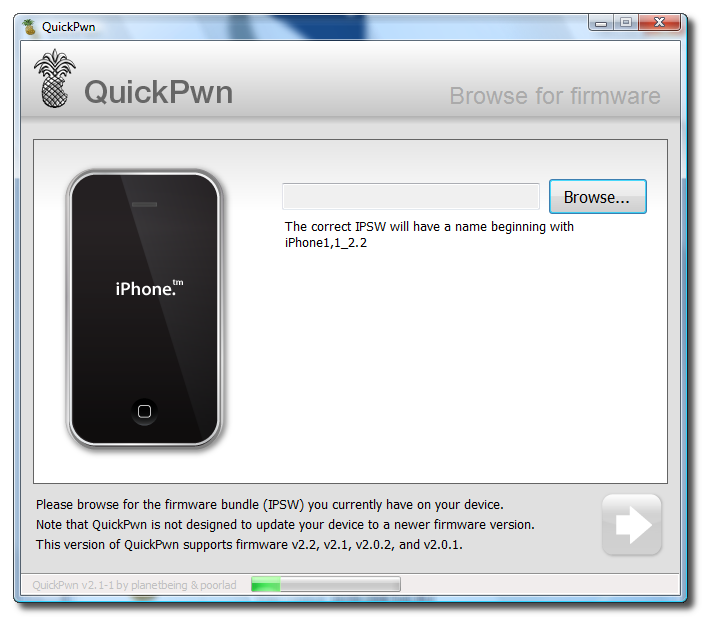
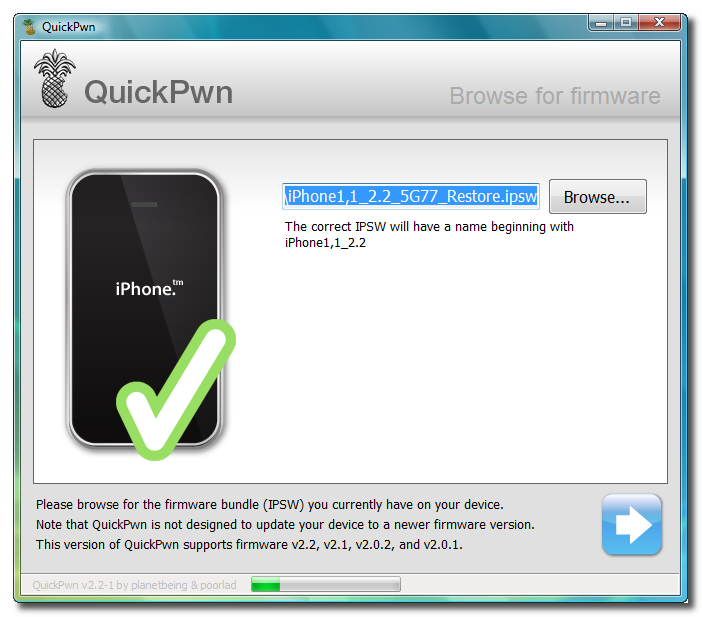
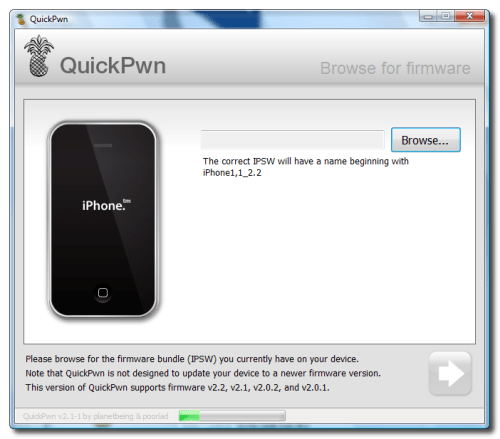
Click the
Browse button to locate your iPhone firmware.
 Step Six
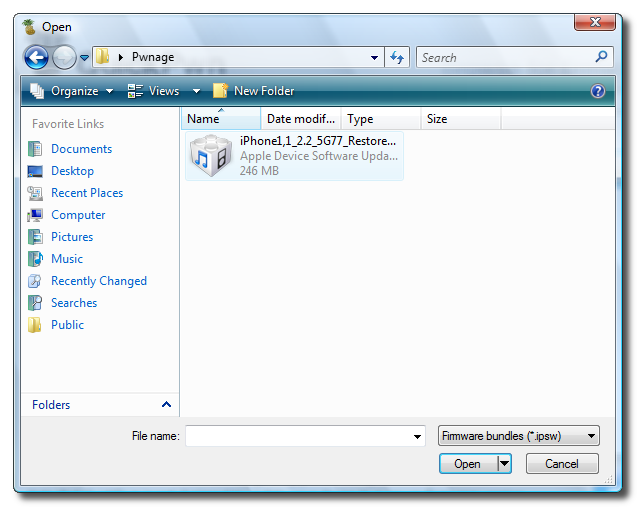
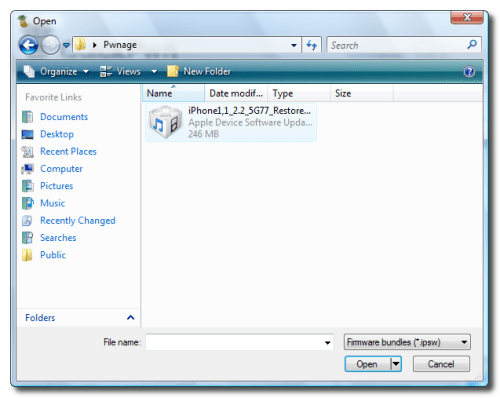
Select the 2.2 firmware ipsw from the Pwnage folder on your desktop then click the
Open button.
 Step Seven
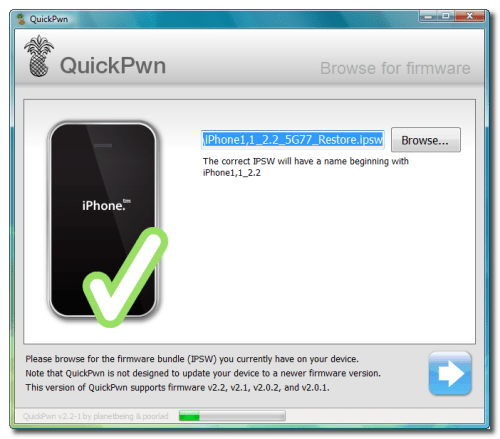
QuickPwn will check to make sure the ipsw is valid. Click the blue arrow button to continue.
 Step Eight
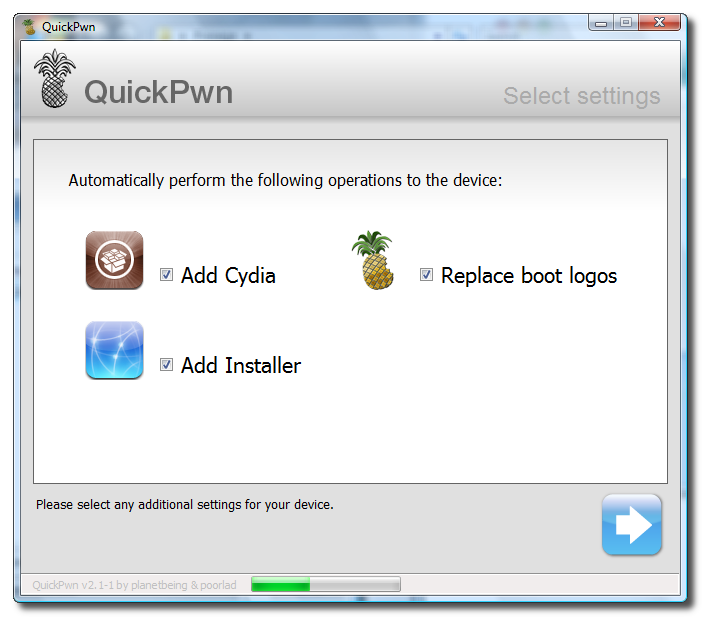
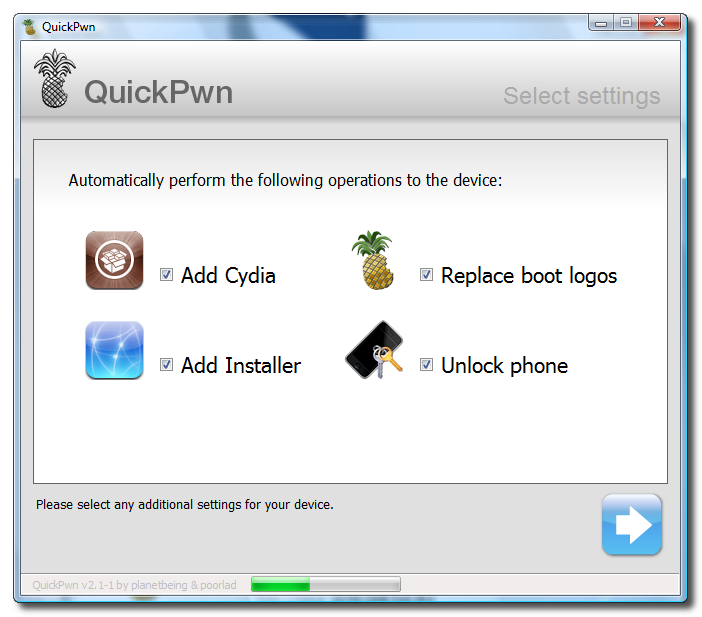
You can now select whether to Add Cydia, Add Installer, Replace Boot Logos, and Unlock Phone. Select the ones you would like to perform then click the clue arrow button
 Step Nine
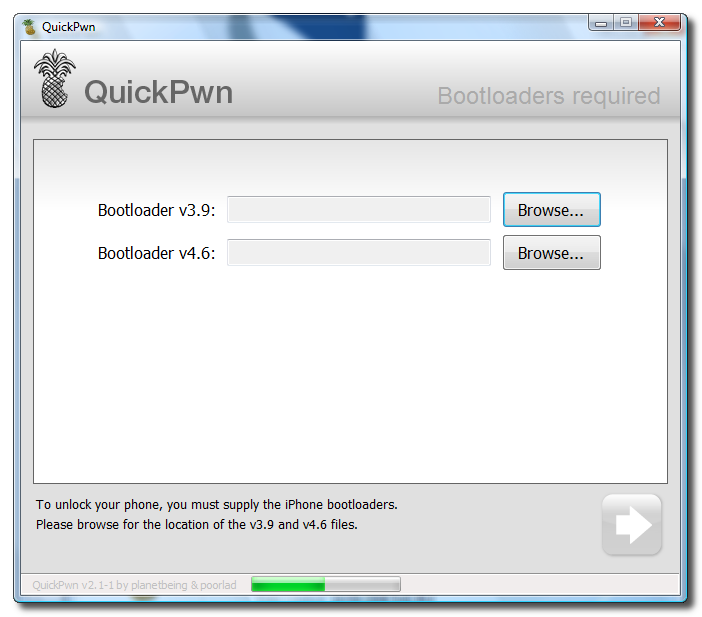
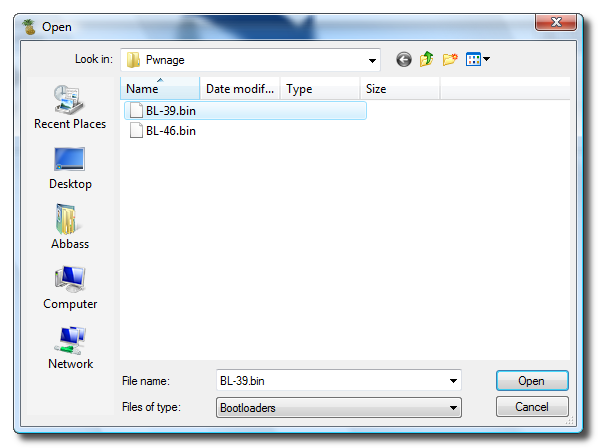
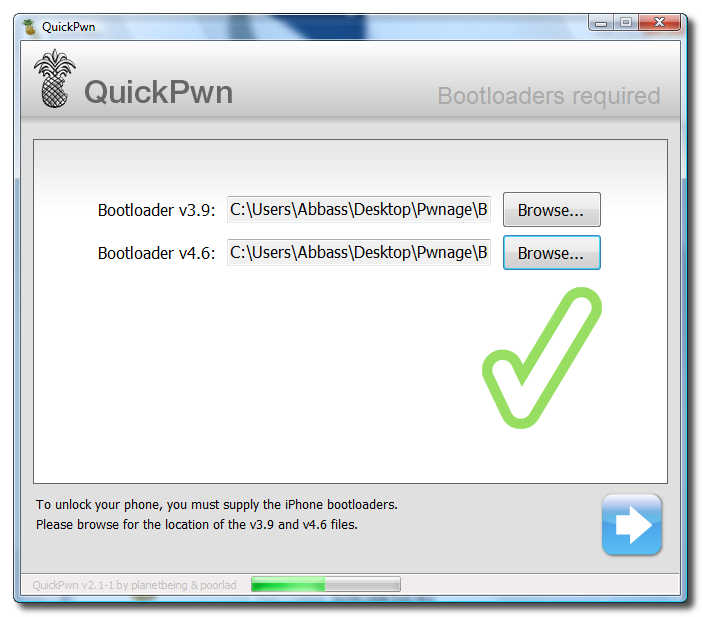
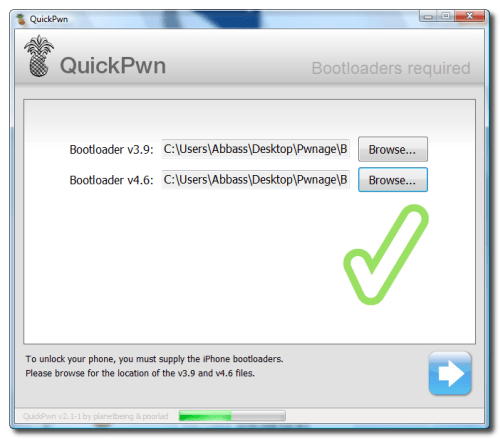
You will now be asked to select your bootloader files. Click the
Browse button and select the 3.9 bootloader from the Pwnage folder on your desktop. Likewise do the same thing for the 4.6 bootloader file. Then click the blue arrow button to continue.


 Step Ten
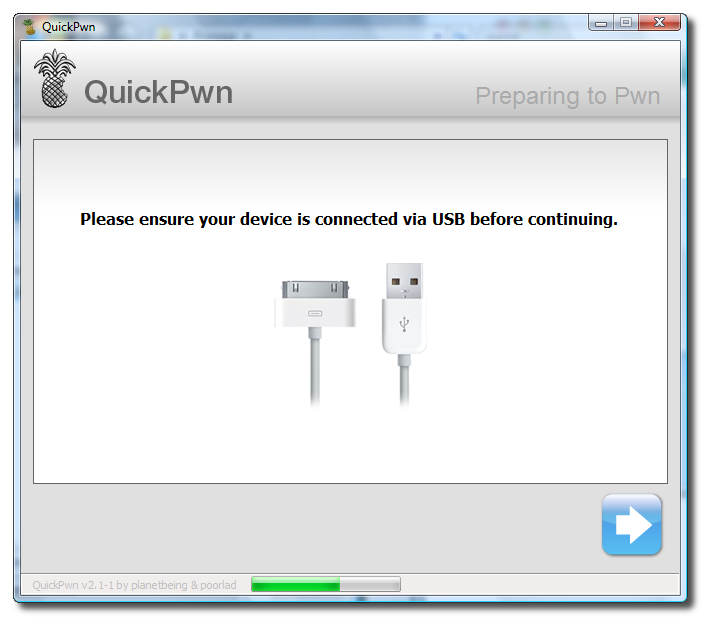
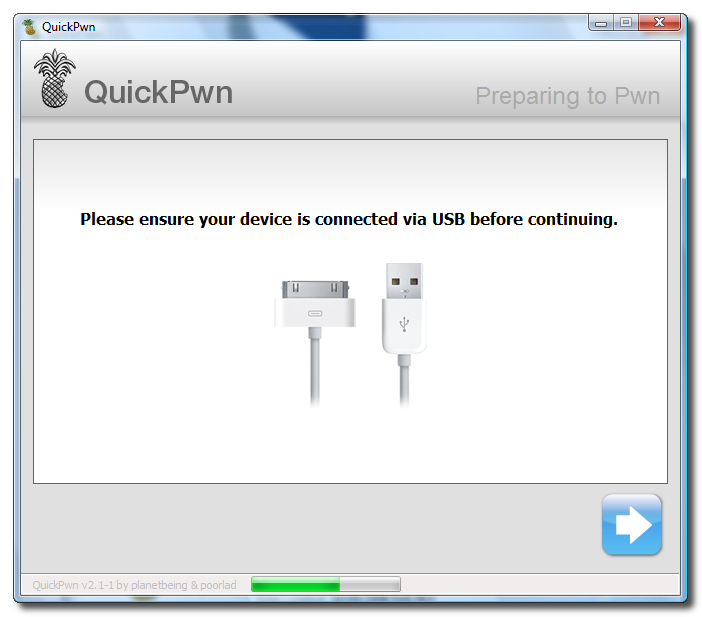
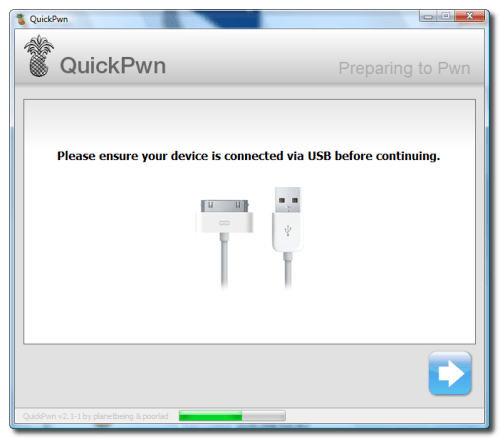
QuickPwn will now ask you to confirm your iPhone is connected via USB before continuing. Click the blue arrow button to proceed.
 Step Eleven
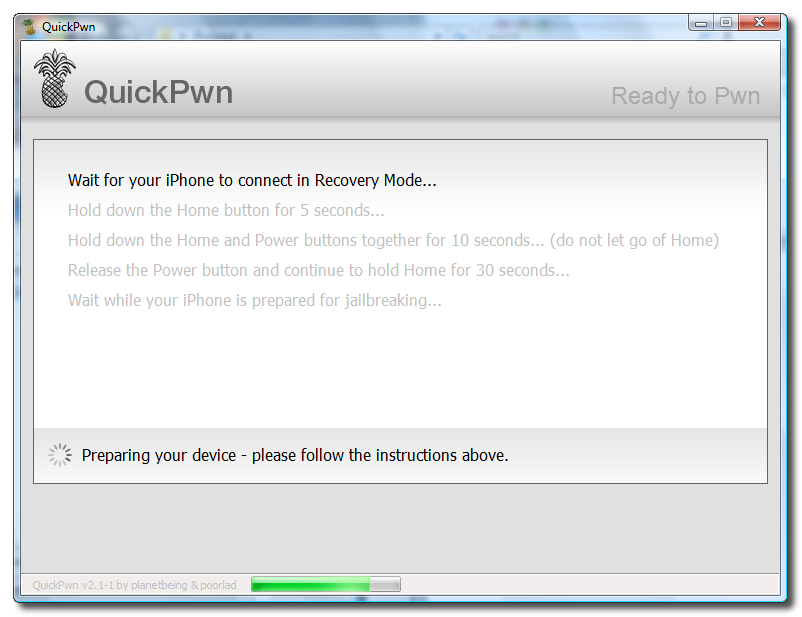
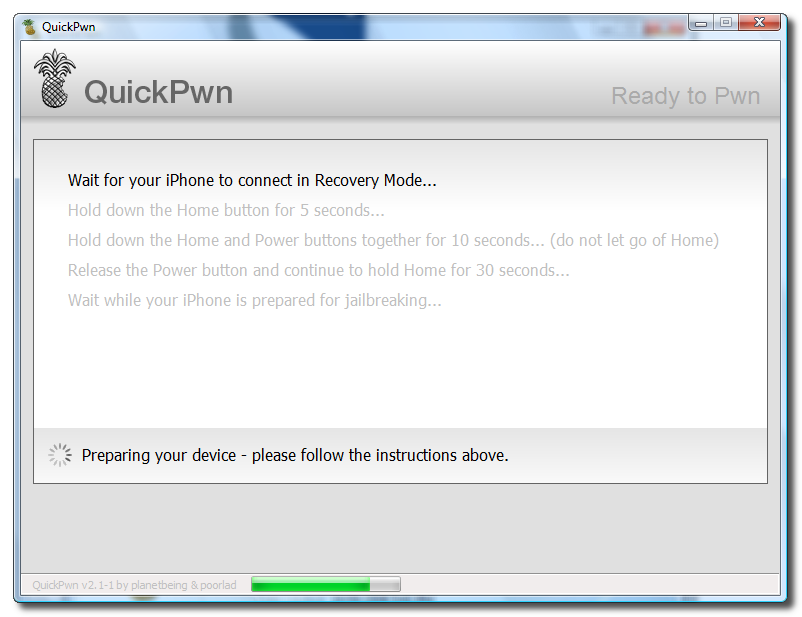
QuickPwn will now automatically put your iPhone into recovery mode. Once its in recovery mode you will be prompted to: Hold the Home button for 5 seconds, Hold the Home and Power buttons for 10 seconds, then release the Power button and continuing holding the Home button until your iPhone is in DFU mode.

Watch the prompts carefully and follow along.
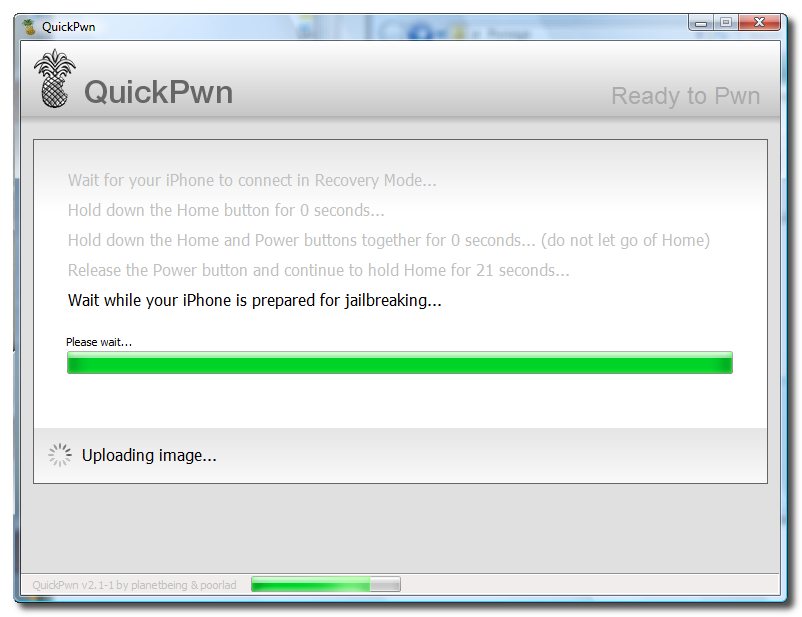
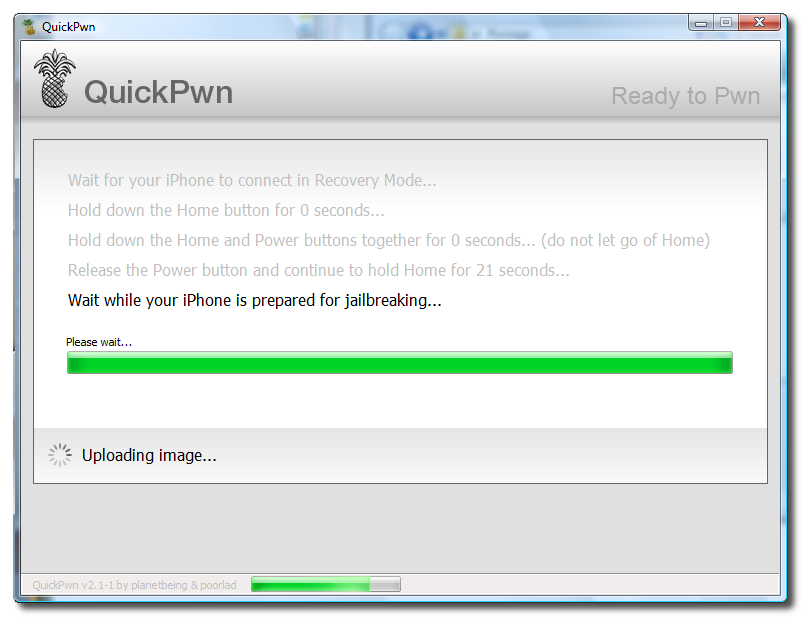
Step TwelveOnce QuickPwn detects your iPhone in DFU mode it will begin the jailbreak process.
 Step Thirteen
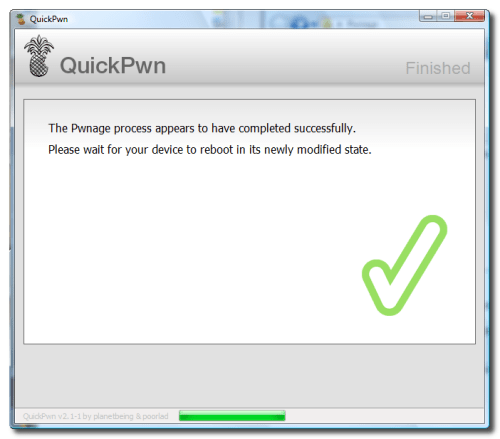
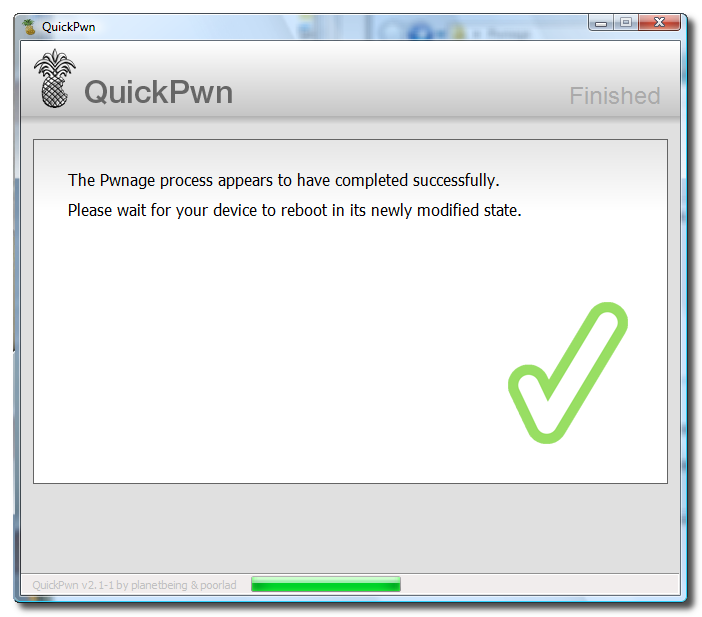
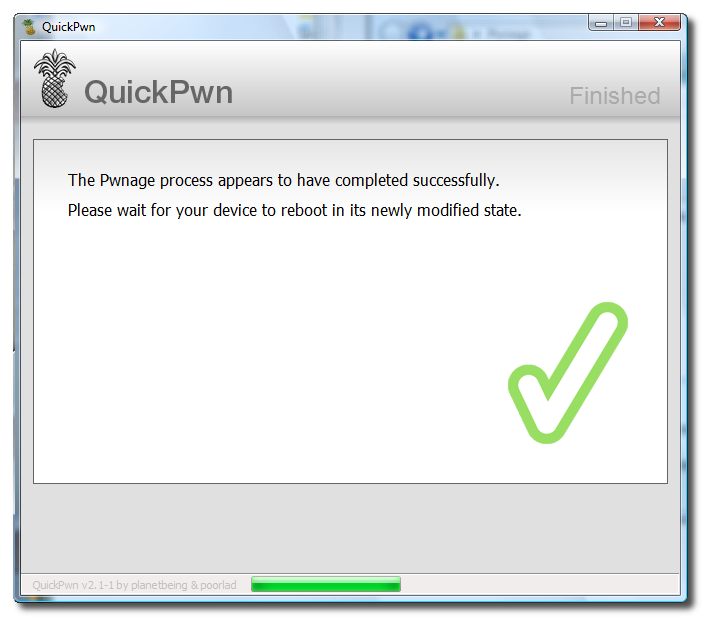
Once jailbreaking is complete QuickPwn will inform you that it was successfull. Your iPhone will then proceed to run BootNeuter. This process will take about 5 minutes. Please be patient. Your iPhone will reboot when it has completed the process successfully!